Owldo — Feature
Build habits.
Without the guilt trip.
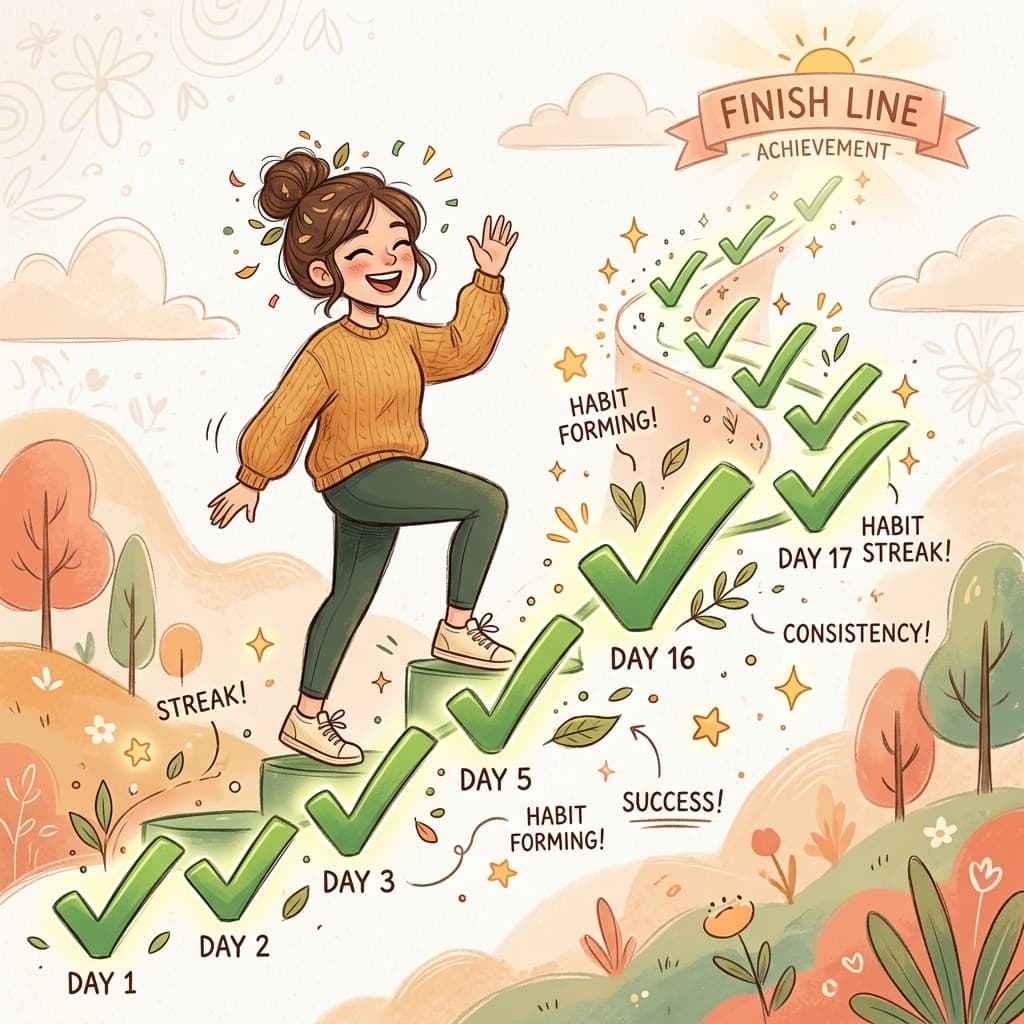
Most task managers treat a missed daily habit as an overdue failure. Owldo is built differently. Our intelligent recurrence engine tracks your streaks, visualizes your progress, and gently rolls missed days forward so you can always pick up where you left off.
A close-up of a task with a long Habit Strip (a row of green checkmarks indicating a streak) and a '12-day streak' badge.
mobile · 9/16 · /public/screenshots/habits-hero.png
Streaks and Statistics
Whenever you set a task to repeat, Owldo automatically begins tracking your completions. The built-in Habit Strip gives you a quick visual indicator of your recent consistency. Open the task details to see your current streak, your longest historical streak, and deep statistics on your completion rate.
Intelligent Roll-Forward
Missed your morning run? In other apps, that task turns red and screams "OVERDUE" until you manually change the date or delete it. In Owldo, if you miss a recurring occurrence, it gracefully rolls forward to the next valid date. Your streak resets, but your inbox stays perfectly clean.
The Task Detail view on desktop showing the Habit Stats section: Current Streak, Longest Streak, and a calendar heatmap.
desktop · 16/10 · /public/screenshots/habits-stats.png
Flexible Scheduling
Not every habit happens daily. Owldo's natural language recurrence lets you type "every weekday", "every 3rd Thursday", or "every 2 weeks on Tuesday and Friday". The streak tracker automatically adapts to your custom schedule, ensuring you only lose a streak if you actually miss a scheduled day.
Frequently asked questions
How does habit tracking work in Owldo?
Any task can be set to repeat on a schedule (e.g. daily, weekly). As you complete it, Owldo tracks your current and longest streak and displays a visual Habit Strip on the task.
What happens if I miss a day?
Unlike standard task managers that leave missed habits stuck as "Overdue", Owldo intelligently rolls them forward to the next active day so you can just pick up where you left off.
Can I see my habit statistics?
Yes! The detail view of any recurring task shows your current streak, longest streak, and completion rate over time.