Owldo — Feature
Organize with Spaces,
not folder mazes.
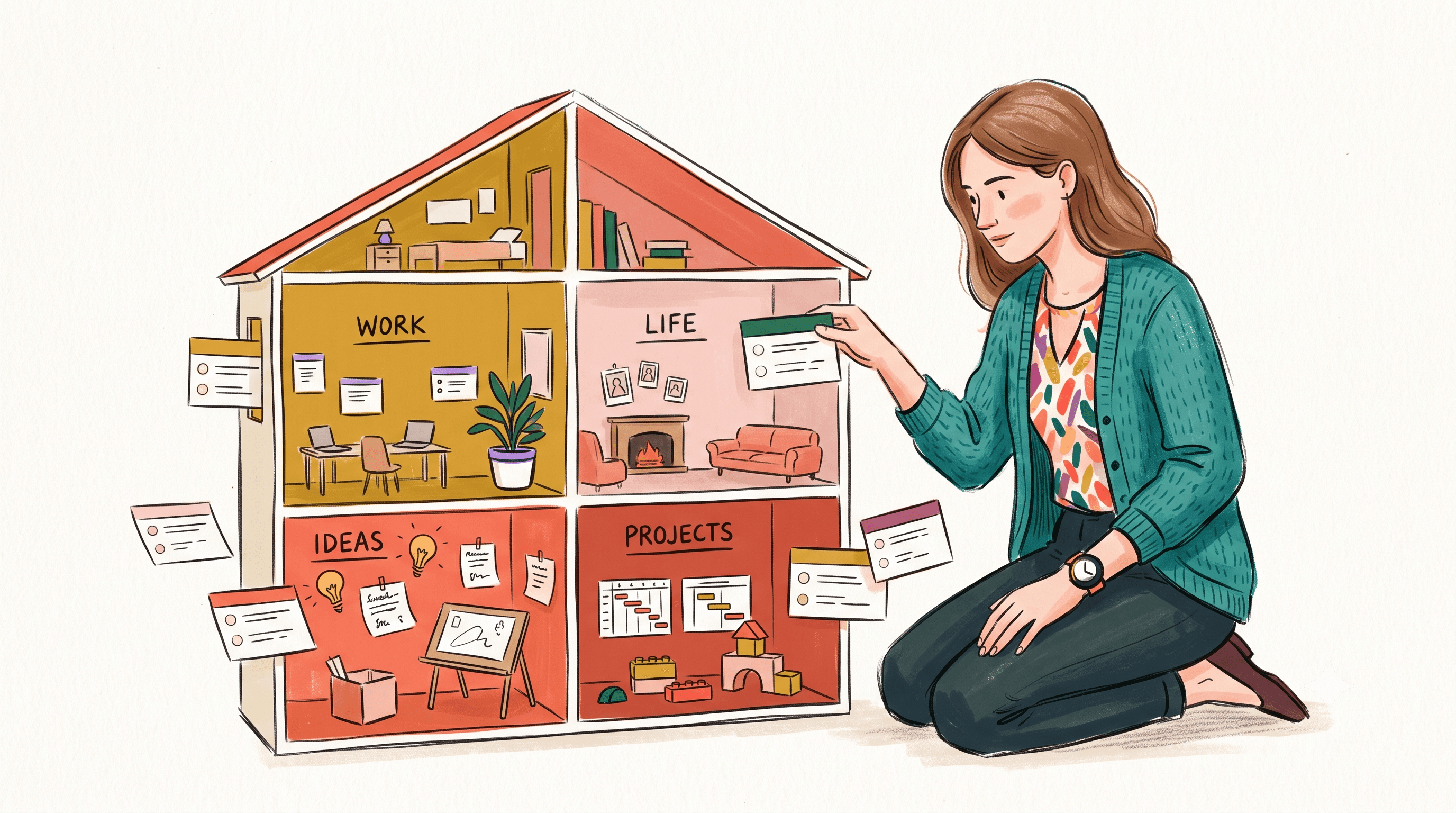
Folders inside folders inside folders is how every notes app slowly turns into a filing job. Spaces give you just enough separation — work, a side project, personal — with none of the ceremony.
A Space is a context, not a cabinet
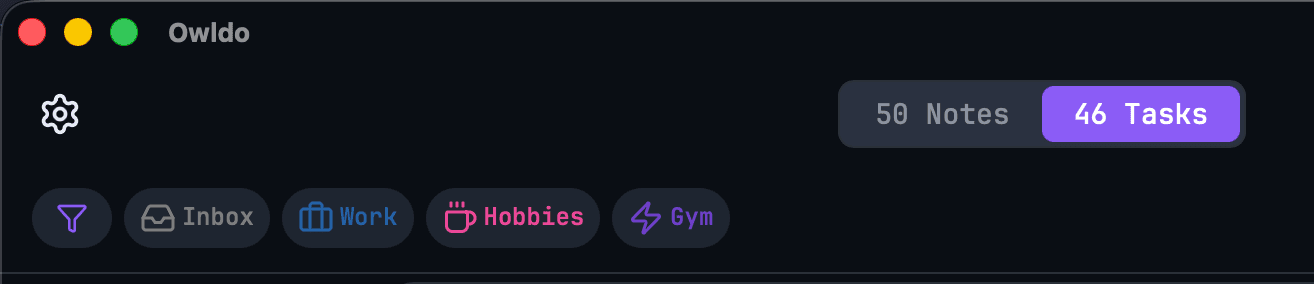
Give each part of your life a color and a name. Tasks and notes both live in Spaces, so switching context switches everything at once — no re-filtering two apps to get to “work mode.”
Everything starts in the Inbox
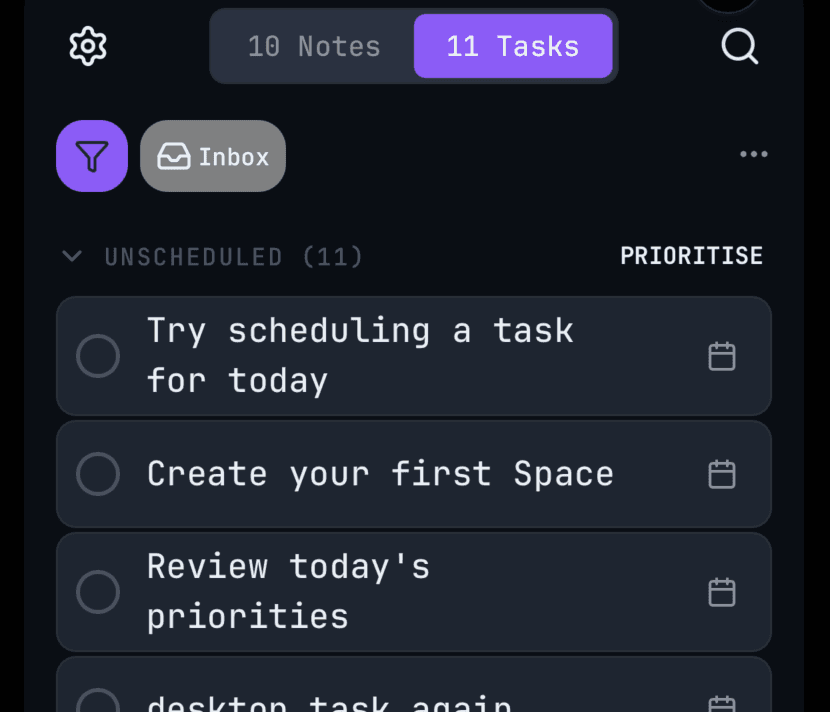
Capture first, sort later. Anything you don’t assign lands in a virtual Inbox — there’s no “untitled folder” to manage and nothing to clean up. Triage when you have a moment, or never. It still works.
Filter, don’t file
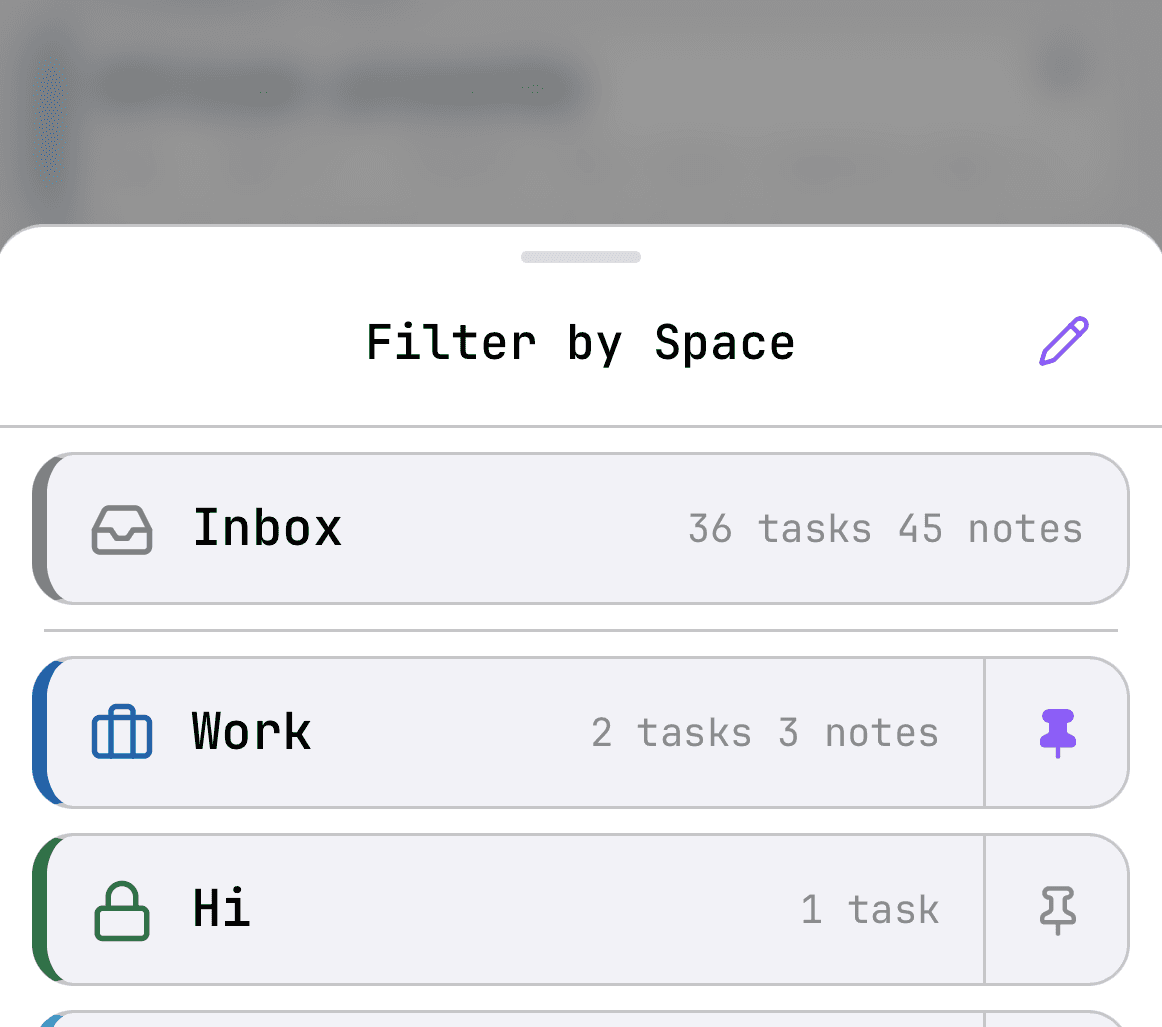
One tap filters the whole app to a single Space. No drag-and-drop into the right folder, no deep trees to navigate. Your stuff is where you left it because it was never buried.
Frequently asked questions
What is a Space in Owldo?
A Space groups related notes and tasks — a project, a client, a class — so the note and the task that belong together live in one place. No nested folders to maintain.
How are Spaces different from folders?
Folders force one item into one location. Spaces hold notes and tasks together and stay flat and fast, so you organize by context rather than burying things in a tree.
Is there an Inbox for quick capture?
Yes. Anything without a Space lands in the Inbox, so you can capture first and sort later.
Do Spaces sync across devices?
Yes — on the $3/month plan your Spaces, notes, and tasks stay in sync everywhere, and they work offline first.
Related
Why we keep it light on purpose: The Complexity Ratchet. See the whole picture on the features overview.