Owldo — Feature
Your tasks and notes
belong in one app.
You think and do in the same breath. So why does your to-do list live in one app and the thinking behind it in another? Owldo keeps tasks and notes side by side — capture a thought, make it actionable, and never copy-paste between tools again.

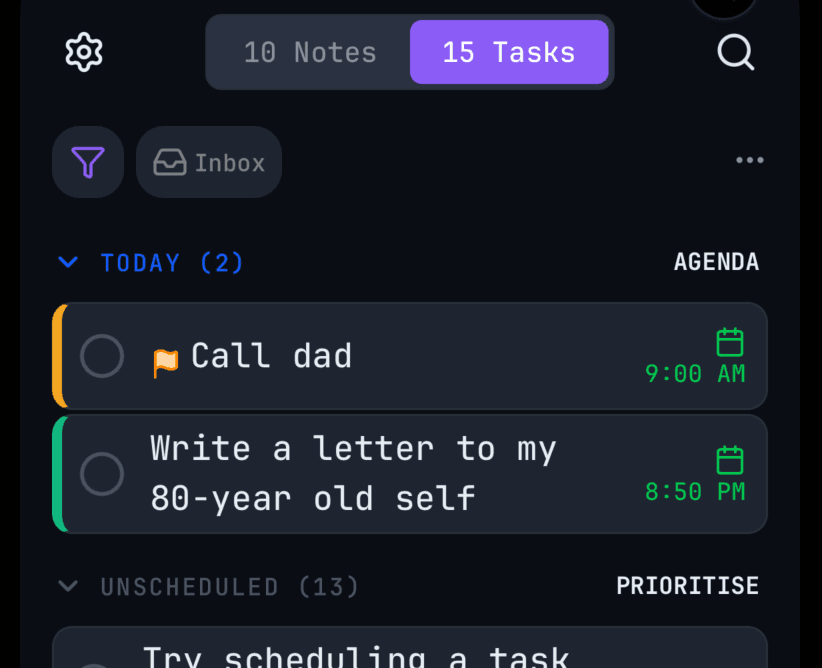
Notes are ROM. Tasks are RAM.
Notes are where you capture and discover — your read-only memory. Tasks are working memory: the execution of what you already know. Owldo treats them as two halves of one system instead of two apps that never talk.
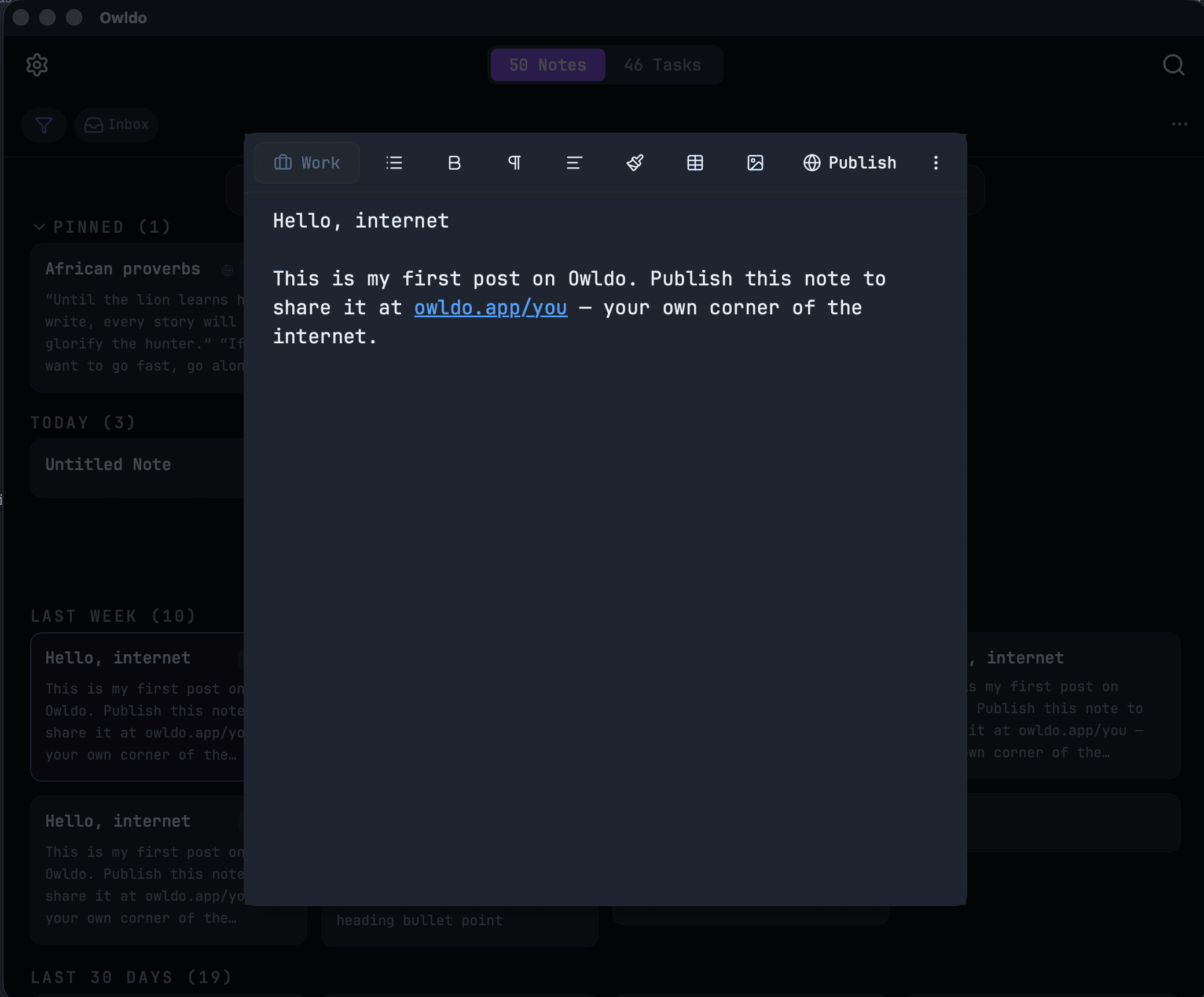
A note becomes a task in one keystroke
Highlight a line in a note and promote it to a task — due date, flag, recurrence, subtasks and all. The task remembers where it came from, so the context never gets lost in translation.
Tasks that keep up with real life
Due dates and times, recurring schedules with streaks, subtasks, flags, and swipe actions on mobile. Enough structure to run your week — none of the project-management ceremony you’ll never use.
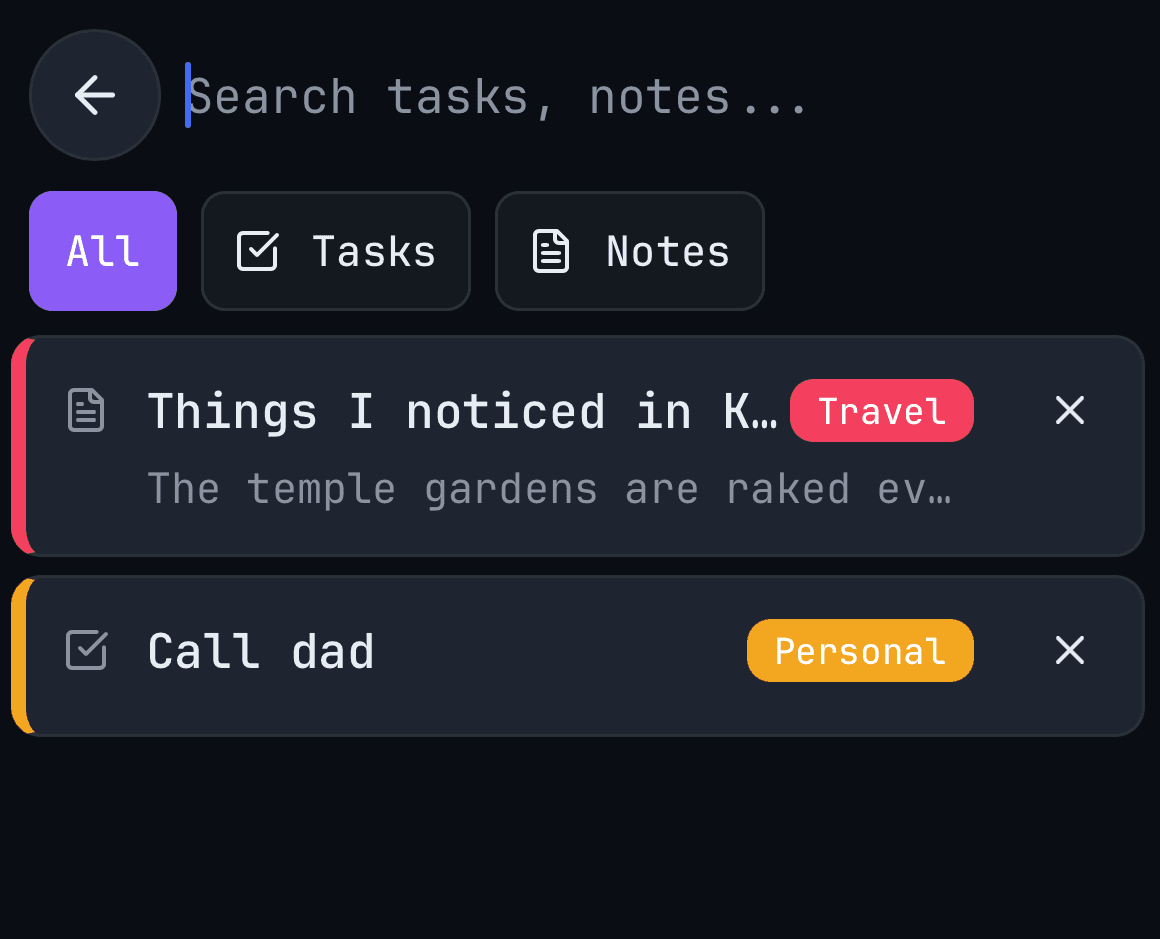
One search across everything
Find that idea whether you wrote it as a note or buried it in a task. One index, instant results, fully offline.
Frequently asked questions
Why keep tasks and notes in the same app?
Because the idea that spawns a task and the task itself belong together. Owldo keeps both in the same Space, so you never switch apps to remember why you were doing something.
Are the notes full documents or just task descriptions?
Full rich-text notes — headings, lists, code blocks — not a small text field bolted onto a task.
Can a note turn into a task?
Yes — the follow-up from a note becomes a real task with a due date and priority, in the same Space, with no re-entry.
Does it work offline and sync?
Yes — offline-first local storage, with background sync across devices on the $3/month plan.
Related
The deeper argument: Why your task manager and notes app should be the same app. Or compare with Notion and Todoist.