Comparison
Owldo vs Notion.
Notion promises you a 'second brain,' but often just gives you a second job. It is the ultimate Swiss Army knife—capable of everything, but surprisingly clunky when you just need to cut something quickly.
Owldo is different by design. It is not an infinite canvas. It is a highly opinionated, fast, local-first workspace that removes the burden of configuration so you can actually get to work.
Our Philosophy
“Organize less. Do more.”
If your organization system takes more effort to maintain than the actual work, your system is broken. Nested folder hierarchies are a relic of the 90s desktop file system. We use flat, lightweight Spaces so you can organize without the bureaucratic ceremony.

| Feature | Owldo | Notion |
|---|---|---|
| Time to first note | Instant | Setup required |
| Offline support | Full — works without connection | Partial — cached pages only |
| Tasks built in | Native, first-class | Databases, not tasks |
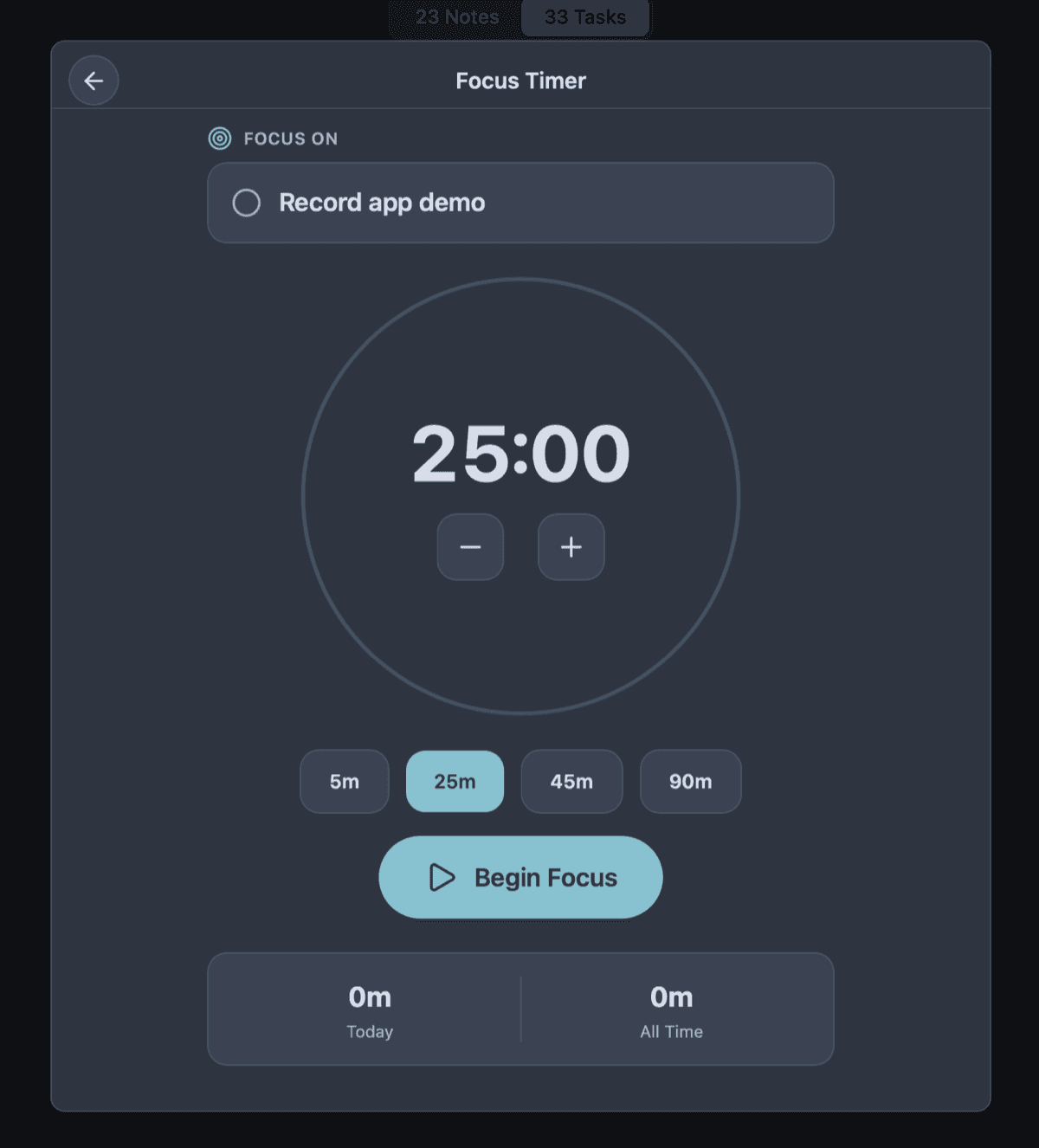
| Pomodoro timer | Built in | No |
| Publish a note | One tap, owldo.app/you | Share link (no personal URL) |
| Mobile performance | Fast — local database | Network dependent |
| Pricing | Free local / $3/mo sync | Free / $10/mo+ |
The Configuration Trap
Notion presents you with a blank page and absolute freedom. You can build a Kanban board, a calendar, a wiki, or a relational database. While this sounds empowering, it triggers the paradox of choice. When software can be anything, the user is burdened with the responsibility of designing the software before they can use it.
We call this "Productive Procrastination." You spend three hours designing a beautiful, color-coded task management dashboard, feel a sense of accomplishment, and then close the app without having completed a single actual task. Owldo removes the canvas. The structure (tasks, notes, spaces, timers) is pre-built and optimized. All that is left is your execution.
The Speed of Local-First
Because Notion is a massive, multiplayer web application, every interaction has network overhead. Opening a workspace requires waiting for a server. This friction creates a subconscious reluctance to use the app for quick, fleeting thoughts.
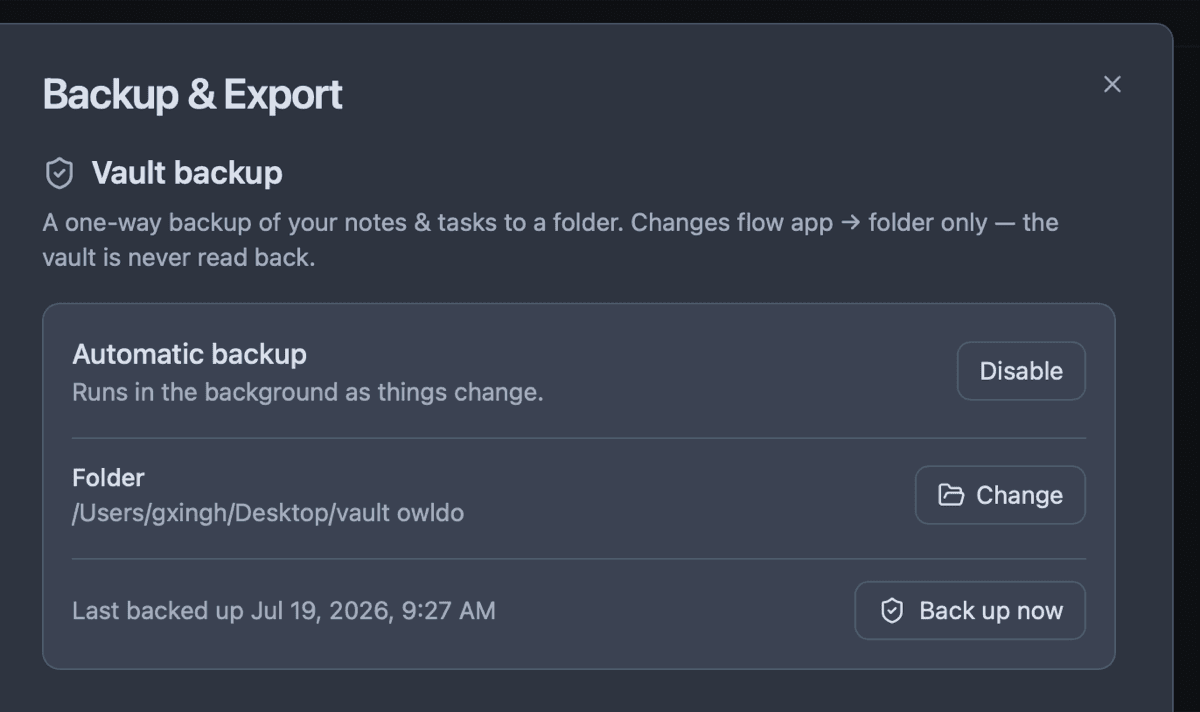
Owldo is fundamentally a local-first desktop application. It reads and writes directly to a SQLite database on your hard drive. There is no white screen, no loading spinner, and no lag. It opens instantly, captures your thought immediately, and syncs silently in the background when the network permits.
Where Notion Wins
To be clear, Notion is genuinely better for teams. If you need relational databases, complex wikis, and collaborative documentation at scale (like a 50-person engineering org), Notion is built exactly for that.
But if you are an individual—a solo developer, writer, or student—who wants their thoughts to have a fast, private home, Notion's enterprise features become personal bloat. Owldo is the sharper, faster, more focused alternative.
What you get with Owldo

Frequently asked questions
Is Owldo a good Notion alternative?
Yes — for individuals who want tasks and notes that open instantly and work offline. Owldo trades Notion’s infinite configurability for zero setup and native speed.
Can I import my Notion pages into Owldo?
Notion exports to Markdown, and Owldo notes are Markdown-native, so text content moves over easily. Complex relational databases do not map over, as Owldo intentionally omits databases to preserve speed.
Does Owldo work offline like Notion doesn’t?
Owldo is fully offline-first: every note and task lives on your local device. Notion requires the network to load pages reliably.
More comparisons