Offline todo app
A todo app that keeps working when the internet does not.
Most task apps feel fast until the network gets weird. Owldo stores your work locally first, so capture, editing, scheduling, and completing tasks do not wait on a server.
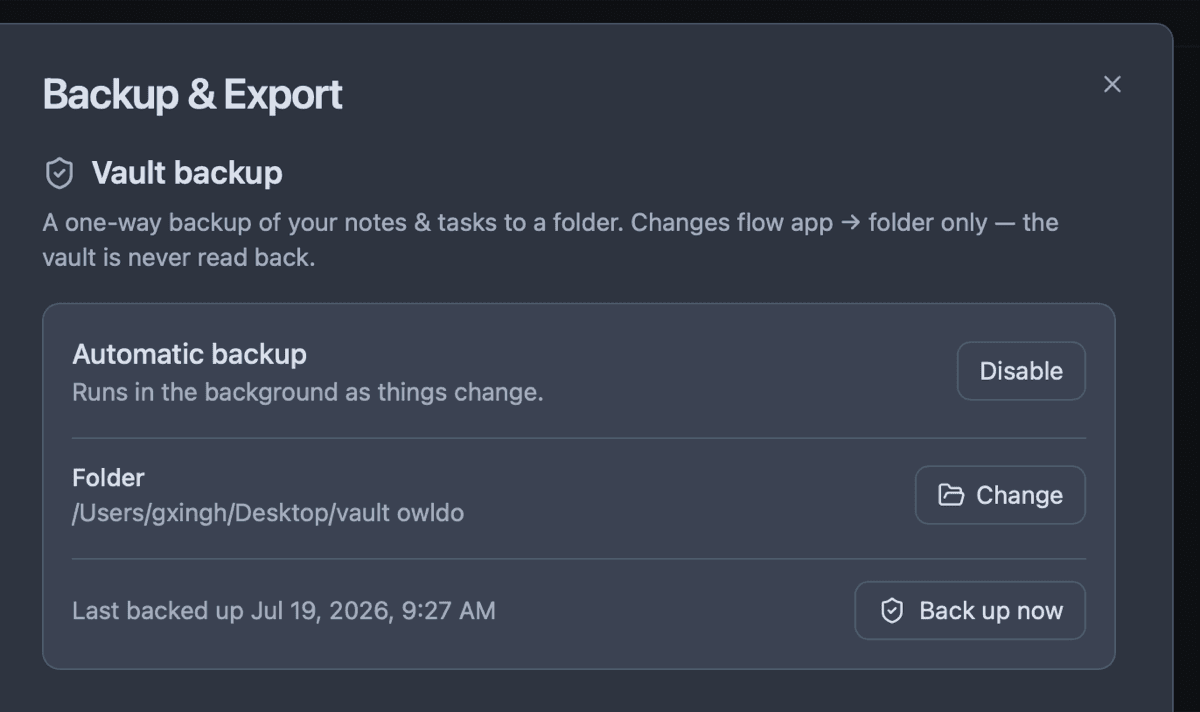
Sync is still there when you want it. The difference is that Owldo treats the cloud as backup and transport, not the place your day has to load from.
What you get
- Create and edit tasks with no connection
- Keep tasks and notes together in Spaces
- Use due dates, priorities, recurring tasks, and a schedule view
- Sync across Mac, Windows, iOS, and Android on the paid plan
Offline first, not offline afterthought
Owldo reads and writes to a local database on your device. That means your list opens quickly on a plane, in a subway, or at a conference with overloaded Wi-Fi.
When the connection comes back, changes sync in the background. You do not need to remember which device has the real copy.
Tasks with the context attached
A task usually comes from a note: a meeting, a thought, a decision, a project detail. Owldo keeps tasks and notes under the same Spaces so the reason and the action stay together.
Who it is for
Owldo is best for people who need fast capture and dependable access: developers, founders, students, writers, and anyone who works from more than one device.
See Owldo in action

Frequently asked questions
Can I use Owldo with no internet?
Yes. Owldo stores tasks and notes locally first, so the app remains usable without a connection.
Does Owldo sync offline changes later?
Yes. When you sign in with the sync plan, changes made offline sync across your devices when connectivity returns.
Is Owldo free as an offline todo app?
Owldo is free for local use on one device. Cross-device sync and publishing are part of the $3/month plan.
Related pages