Offline todo app
Your thoughts shouldn't have to wait for a server.
Most task apps feel fast—until the network gets weird. You’re on a plane, in a subway, or on hotel Wi-Fi, and suddenly you can't check off a task without staring at a spinner.
Owldo is built on a very specific philosophy: your work belongs on your device first. We treat the cloud as a transport layer and a backup, not the place your day has to load from. It is a sharp, fast knife for people who refuse to wait for an API to acknowledge their productivity.
Our Philosophy
“We build sharp knives, not Swiss army knives.”
Most productivity apps try to be everything for everyone, resulting in bloated, slow software. Owldo is deliberately opinionated. We built a fast, local-first tool strictly for people who think in prose and execute in deadlines.

What you get
- Instant capture and editing with zero connection
- Keep tasks and notes together without loading a wiki
- Full feature parity offline (due dates, priorities, subtasks)
- Silent, background sync across all your devices when the internet returns
The Psychology of the Loading Spinner
In 1982, Walter J. Doherty published a research paper for IBM that established the "Doherty Threshold." It proved that for a human to stay in a state of flow, a computer must respond to their input in under 400 milliseconds. Today, despite gigabit fiber and 5G, our productivity apps routinely fail this threshold.
Why? Because most modern task managers are just websites wearing an app costume. Every time you click a checkbox, your computer has to ask a server in Virginia for permission to render a checkmark. When the network stutters, you are met with a loading spinner.
That 2-second delay doesn't just waste two seconds; it completely shatters your cognitive momentum. You open an app to quickly jot down a brilliant idea, wait for the UI to load, and by the time the cursor appears, the idea has evaporated. Owldo eliminates this by reading and writing exclusively to a local database on your hard drive. It responds in single-digit milliseconds. Always.
Tasks with the Context Attached
The Zeigarnik effect dictates that humans remember uncompleted or interrupted tasks better than completed ones. This psychological phenomenon is why having a massive backlog of tasks creates anxiety. To combat this, you need to actually finish the work, which requires context.
A task without context is a source of friction. "Fix the auth bug" is useless if the logs and API responses are scattered across Slack and a cloud wiki. Owldo keeps your tasks and the markdown notes that spawned them—a meeting, a thought, a decision—under the same local Space.
Because both the tasks and the notes are stored offline, you can sit on a cross-country flight with no Wi-Fi, open your "Auth Bug" Space, review the code snippets in your markdown note, and systematically check off the tasks required to fix it.
Who This is Actually For
Owldo isn't a Swiss Army knife. If you want to manage a 50-person enterprise sales pipeline, this is not the app for you. We refuse to add complex relational databases or team permissions, because those features inevitably degrade the offline experience.
Owldo is built strictly for individuals: developers, founders, students, and writers who need fast capture and dependable access. It is for people who view their task manager as an extension of their brain. You wouldn't accept a brain that takes 3 seconds to recall a thought because it lost cellular service. You shouldn't accept a task manager that does it either.
See Owldo in action

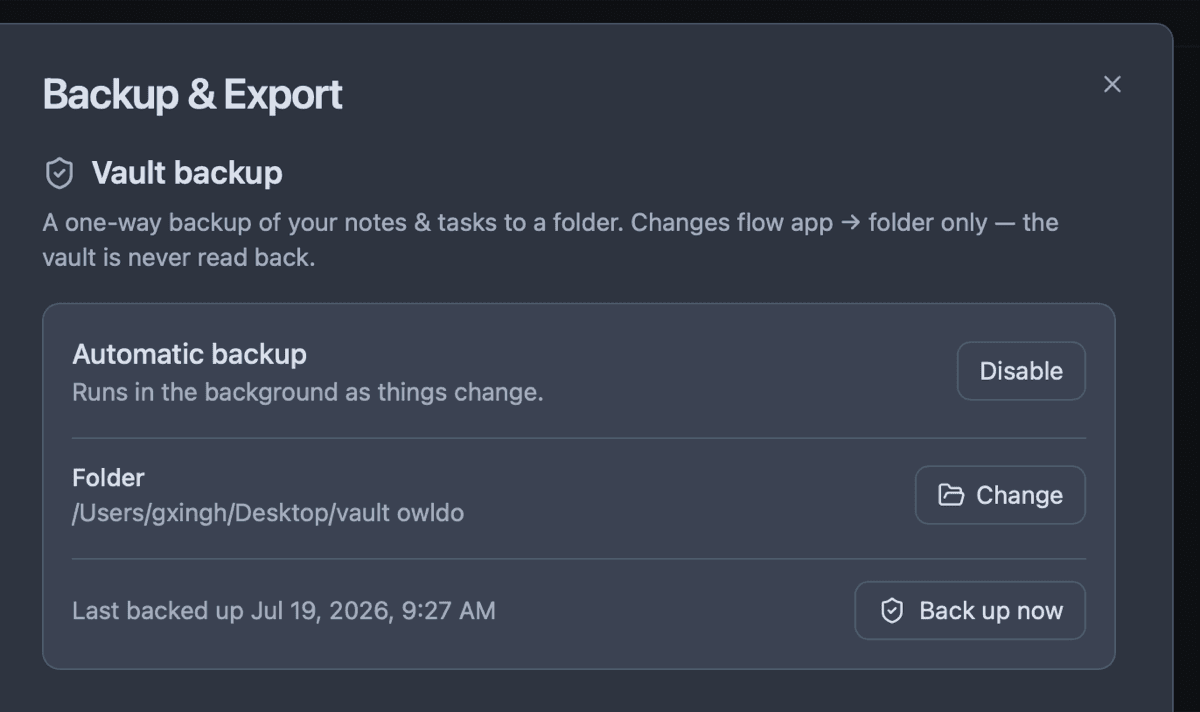
Frequently asked questions
Can I use Owldo with absolutely no internet?
Yes. Owldo stores tasks and notes locally first. The app remains fully functional, down to the last checkbox, without a connection.
Does Owldo work in airplane mode?
Completely. Because your list is read from a local database, capturing, editing, and completing tasks work natively in airplane mode—no sign-in required for local use.
Does Owldo sync offline changes later?
Yes. If you have the sync plan, changes made offline will silently sync across your devices the moment connectivity returns.
Is Owldo free as an offline todo app?
Owldo is entirely free for local use on a single device. Cross-device sync and unlimited publishing are part of the $3/month plan.
Related pages