Private notes app
Your thoughts belong to you. Mathematically.
Most cloud apps can read your data. They promise they won't, but the technical ability is there. For the things you truly care about—journal entries, business plans, unpolished ideas—a promise isn't good enough.
Owldo is local-first, meaning the primary copy of your data lives on your device. And if you choose to sync, optional end-to-end encryption ensures that we couldn't read your data even if we wanted to.
Our Philosophy
“Tasks are RAM, Notes are ROM.”
Execution is where actual value is created. A perfect productivity system forces you to spend the majority of your time executing (RAM) rather than endlessly organizing (ROM). Owldo is designed to artificially constrain your focus to drive sheer execution.

What you get
- Local-first architecture: your device holds the master copy
- Optional AES-256 end-to-end encryption for synced data
- No data mining, no ads, no selling your profile
- Works completely offline, severing the connection entirely
Trust Math, Not Privacy Policies
Modern software companies ask you to trust their privacy policies. But privacy policies can be rewritten overnight. Startups get acquired, business models change, and the promises made on a landing page today mean very little tomorrow.
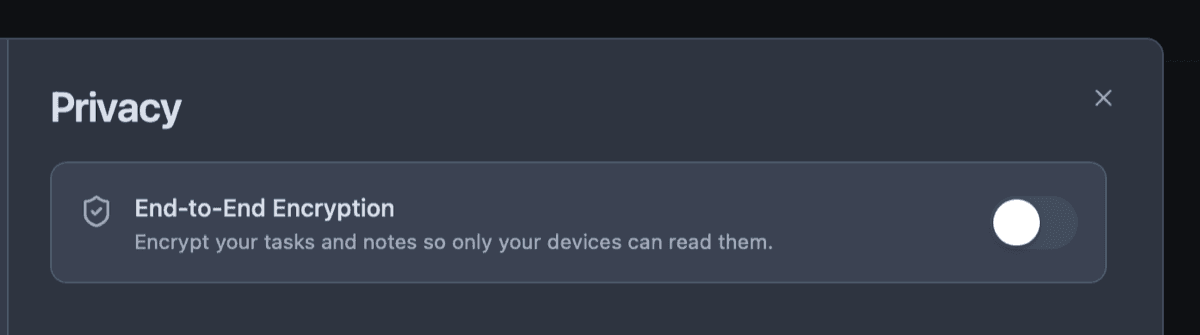
End-to-End Encryption (E2EE) replaces trust with math. When you enable E2EE in Owldo, your data is scrambled on your device using an AES-256 key derived from a password only you know. Before your note ever touches the internet or our servers, it is mathematically transformed into an unreadable ciphertext. We couldn't read your journal even if we were legally compelled to.
The Ultimate Privacy is Local-First
Encryption secures data in transit and at rest on the server. But there is a simpler, more absolute form of privacy: not sending the data to a server in the first place.
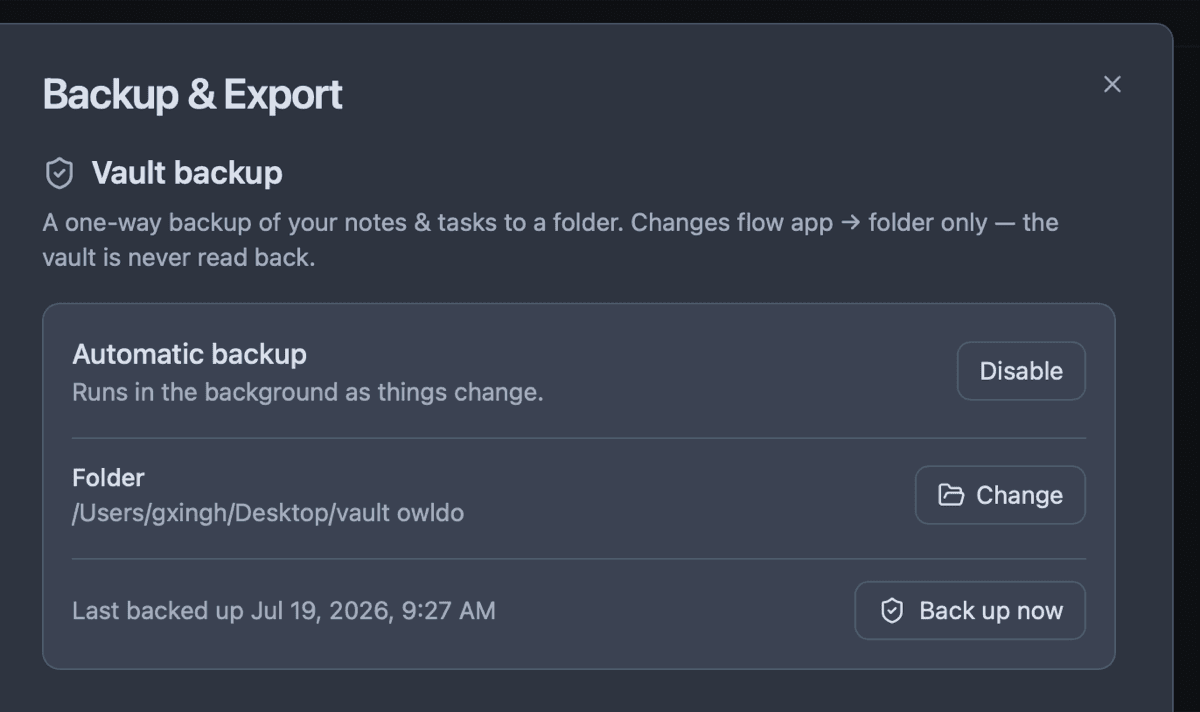
Because Owldo is built on a local-first architecture, your vault lives primarily on your hard drive. If you want absolute security for highly sensitive information, you can simply choose never to enable sync. You can write your deepest thoughts on a laptop with the Wi-Fi physically turned off, knowing with absolute certainty that no packets are being transmitted anywhere.
An Anti-Data Mining Philosophy
If a product is free, you are the product. Your notes, your tasks, and your metadata are incredibly valuable to companies training large language models (LLMs) or building advertising profiles.
Owldo fundamentally rejects this business model. We do not want your data. We do not want to train AI on your private thoughts. We do not want to monetize your attention. Our model is simple and old-fashioned: we build excellent software, we charge a flat, transparent monthly fee for sync, and we stay completely out of your business.
See Owldo in action
Frequently asked questions
How does Owldo's encryption work?
If you enable E2EE, Owldo uses AES-256 encryption. Your password derives a key on your device, encrypts the data, and only the ciphertext is synced. We never see your password or your data.
What happens if I lose my E2EE password?
You lose your data. Because we cannot read it, we cannot recover it for you. This is the trade-off for true privacy.
Do I have to use encryption?
No, it is optional. If you just want local-first speed with standard cloud backup, you can use the default sync.
Related pages