Free tool · no sign-up
Free online daily planner
Plan your day in one place: set your top three priorities, block out the hours from morning to evening, and jot notes at the bottom. Print it or keep it in your browser.
Your plan is saved per day on this device, so today’s plan is here when you come back and tomorrow starts clean.
Wednesday, September 2
Top 3 priorities today
Schedule
Notes
Why time-blocking works
A to-do list tells you what to do; a time-blocked plan tells you when. Assigning tasks to specific hours forces you to be honest about how much actually fits in a day and protects deep work from being nibbled away by small things.
Start with your top three priorities — the outcomes that would make the day a success — then place them into the schedule before anything else claims the time.
How to use this planner
Fill in your three priorities, then type into any hour block to schedule it. Use the notes area for reminders, ideas, or a shutdown checklist. Press Print for a clean paper or PDF copy.
Everything is stored locally in your browser, keyed to today’s date — nothing is uploaded anywhere.
A planner that remembers
A paper planner resets every morning and loses everything you wrote. Owldo keeps your tasks, notes, and schedule live and in sync across devices, so planning tomorrow starts from real continuity instead of a blank page.
Frequently asked questions
Is this daily planner free?
Yes. It is free, needs no sign-up, and saves your plan in your browser.
Can I print the daily planner?
Yes. The Print button produces a clean layout you can print or save as a PDF.
Does it save my plan for each day?
Yes. Plans are saved per day on your device, so each day has its own page.
What hours does the schedule cover?
The schedule runs from 6am to 9pm by default, which covers most working days.
The same idea, built into Owldo
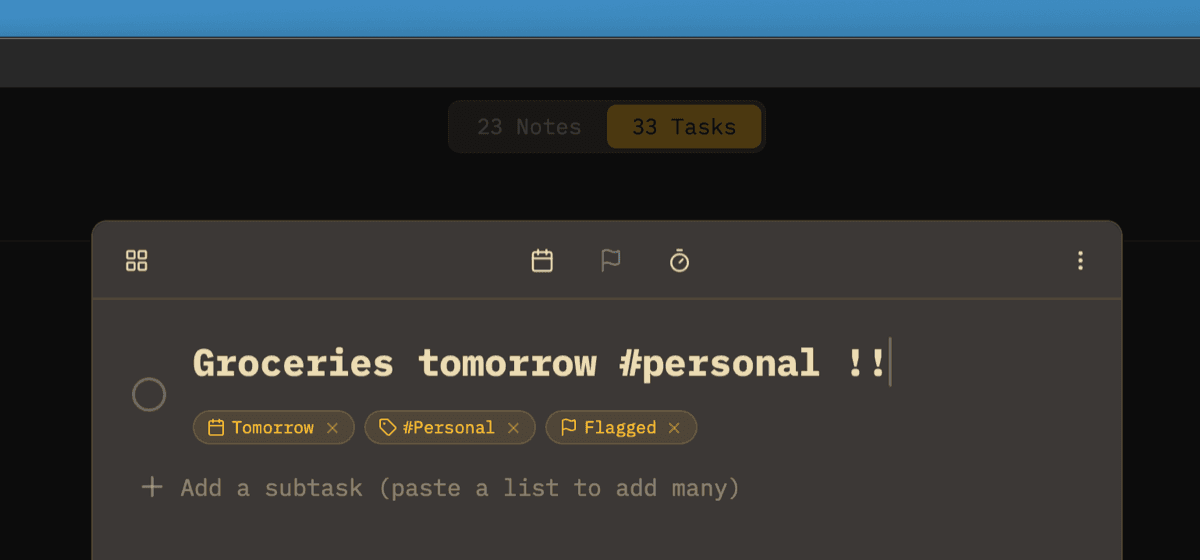
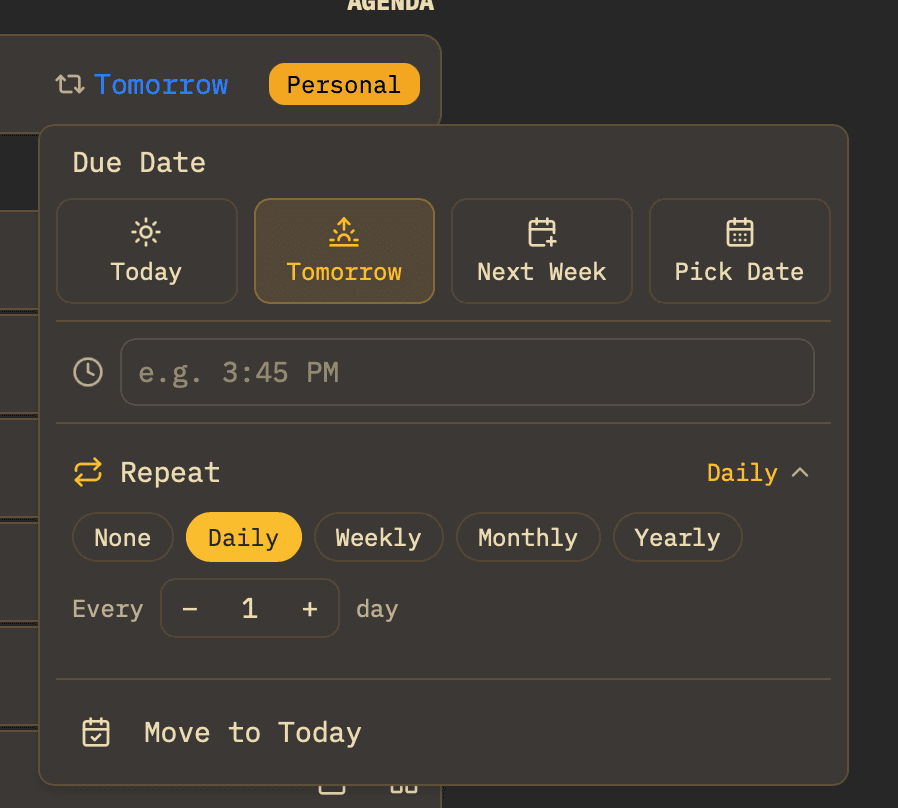
Keep it beside your actual work
This tool lives in your browser. Owldo builds the same focus timer, priority matrix, and planning into a real tasks-and-notes app that works offline and syncs across your devices.
More free tools