Free tool · no sign-up
Free online Pomodoro timer
Work in focused 25-minute sessions with short breaks in between, and a longer break after four. Set your own lengths, start the timer, and keep your session count visible.
Everything runs in your browser and is saved locally — no account, no tracking, and it keeps counting even if the tab is in the background.

Focus · 0 focus sessions done
How the Pomodoro technique works
The Pomodoro technique breaks work into fixed intervals — traditionally 25 minutes of focus followed by a 5-minute break. After four focus sessions you take a longer 15–30 minute break.
The point is simple: a running clock makes it easier to start, and a scheduled break makes it easier to keep going. You commit to one task for one interval instead of an open-ended, distraction-prone stretch.
How to use this timer
Pick Focus, Short break, or Long break, then press Start. When a focus session ends the timer plays a sound and automatically moves you to a break; after four focus sessions it switches to a long break.
Adjust the minute values for each mode to match how you work — many people prefer 50/10 for deep work or 15/3 for shallow tasks. Your settings and session count are remembered on this device.
Get more out of every session
A timer tells you time passed; it does not tell you what you did. In Owldo the same Pomodoro timer sits inside your task list, so each session is attached to a real task and the notes around it — turning focus into finished work instead of just elapsed minutes.
Frequently asked questions
Is this Pomodoro timer free?
Yes. It is completely free, needs no sign-up, and runs entirely in your browser.
Can I change the 25-minute default?
Yes. You can set custom lengths for focus, short break, and long break. The values are saved on your device.
Does the timer keep running in a background tab?
Yes. It tracks time against the real clock, so it stays accurate even when the tab is inactive or your screen is off.
Does it work offline?
Once the page has loaded it runs locally, so it keeps working without a connection.
The same idea, built into Owldo
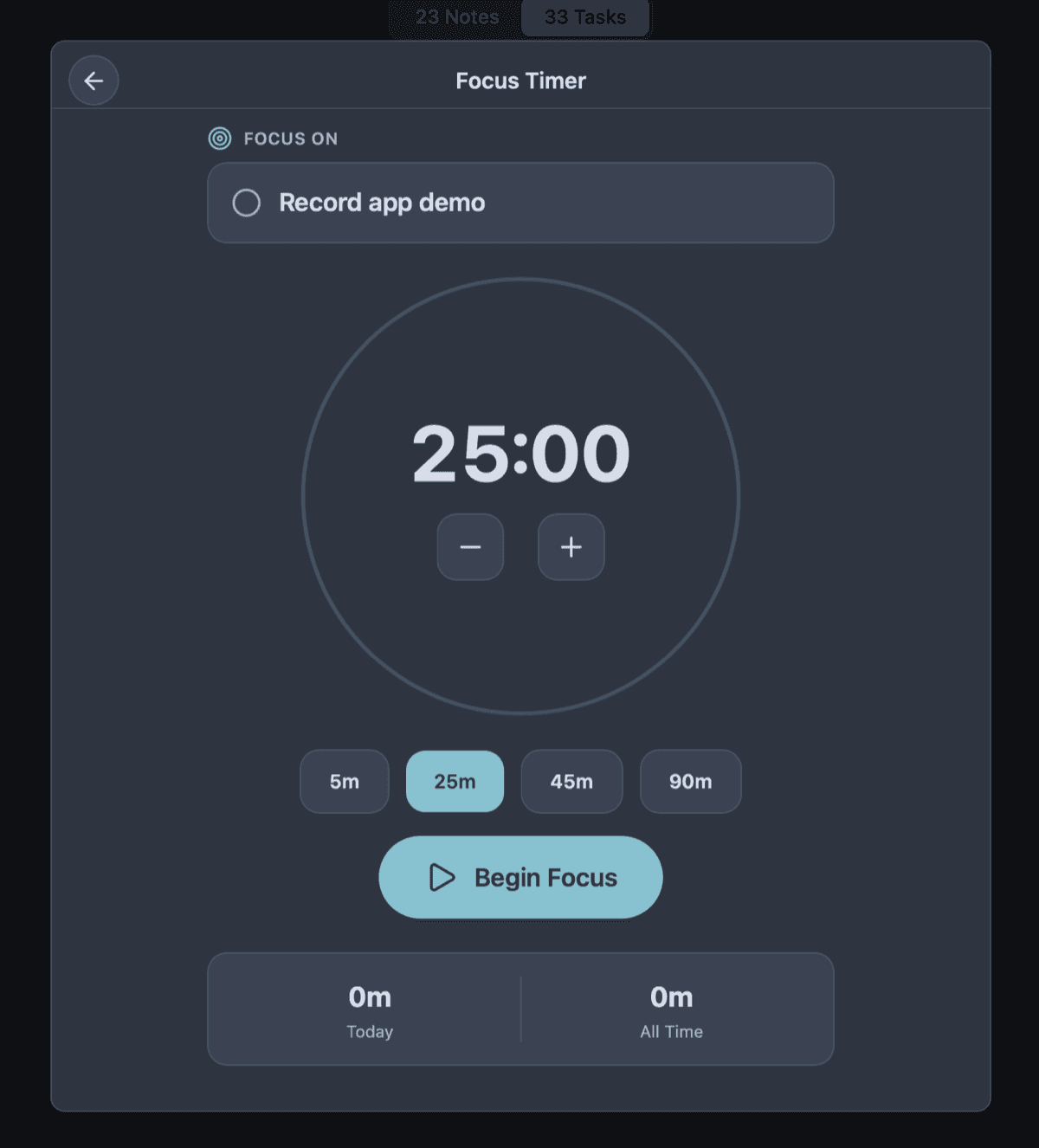

Keep it beside your actual work
This tool lives in your browser. Owldo builds the same focus timer, priority matrix, and planning into a real tasks-and-notes app that works offline and syncs across your devices.
More free tools