Markdown notes & tasks
Because rich text is slow, and plain text is ugly.
If your hands are on the keyboard, reaching for the mouse to bold a word is an interruption. You think in headers, lists, and code blocks, and your note app should keep up.
Owldo treats Markdown as a first-class citizen, letting you format at the speed of thought, while seamlessly blending powerful task management right into your documents.
Our Philosophy
“A note without a task is just a file.”
We fundamentally reject the artificial divide between 'notes apps' and 'task managers.' Context and action must live in the exact same window. We built Owldo so you can finally stop paying the context-switching tax.

What you get
- Full Markdown support: headers, lists, quotes, and code blocks
- Keyboard-centric design—never touch the mouse
- Tasks and notes coexist in the same unified Space
- Local-first architecture means typing is always zero-latency
Formatting at the Speed of Thought
WYSIWYG (What You See Is What You Get) editors are built for people who use a mouse. Every time you want to create a header, you have to stop typing, grab the mouse, highlight the text, click a dropdown, and select "H2." This constant switching between keyboard and mouse destroys your typing rhythm.
Markdown is built for people who type. You just type `## Header` and keep moving. Owldo takes this a step further by rendering the Markdown beautifully on the fly. There are no floating toolbars and no hidden formatting menus. The syntax becomes muscle memory, allowing you to format documents at the literal speed of thought.
Tasks Aren't an Afterthought
The software industry has an annoying dichotomy: Markdown editors usually have terrible task management, and task managers usually have terrible text editors. If you try to manage a project in a Markdown file, you can't set due dates or get reminders. If you try to write a technical spec in Todoist, you're fighting a tiny text box.
Owldo refuses to compromise on either. Your pristine, syntax-highlighted Markdown notes live side-by-side with a robust, date-driven task system in the exact same Space. You can write your spec and assign the actionable tickets without ever switching apps.
Publish Straight from Markdown
The ultimate destination for a good note is often the public web. You write a brilliant manifesto, a deeply researched guide, or a quick technical fix, and you want to share it.
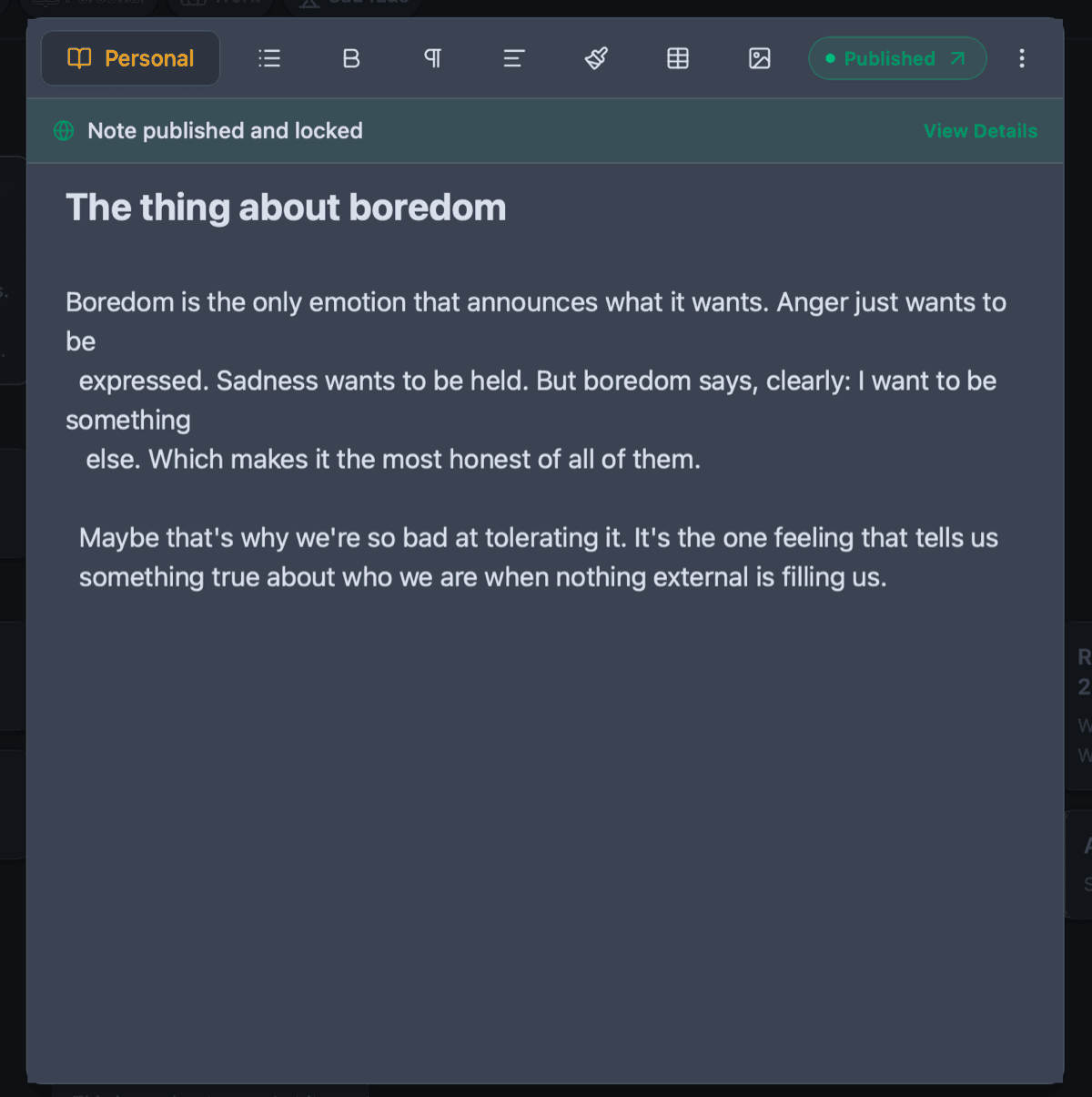
Normally, this involves copying your Markdown into a CMS like WordPress, watching the formatting break, fixing the code blocks manually, and fighting with a new editor. Owldo eliminates this pipeline. Hit the publish toggle on any note, and Owldo instantly generates a fast, SEO-optimized public web page straight from your Markdown.
See Owldo in action
Frequently asked questions
Does Owldo support syntax highlighting in code blocks?
Yes, code blocks are fully supported and highlighted.
Can I export my notes as standard Markdown files?
Because Owldo is local-first, your data is yours. Exporting is straightforward.
Does it support WYSIWYG editing?
Owldo uses a seamless editing experience where Markdown shortcuts instantly render into formatted text.
Related pages