Todo app for developers
Because developers rarely just need a checkbox.
If you write code for a living, a naked checkbox is useless. The actual work lives in the context beside it: the terminal command, the bug trail, the weird API quirk, the architectural decision you will definitely forget next sprint.
Owldo keeps your tasks and your markdown notes together, without forcing you to maintain a heavy, bloated wiki that feels like a second job.
Our Philosophy
“Tasks are RAM, Notes are ROM.”
Execution is where actual value is created. A perfect productivity system forces you to spend the majority of your time executing (RAM) rather than endlessly organizing (ROM). Owldo is designed to artificially constrain your focus to drive sheer execution.

What you get
- One Space per project, repo, or client
- First-class Markdown notes with syntax-highlighted code blocks
- Tasks with due dates, flags, priorities, and subtasks
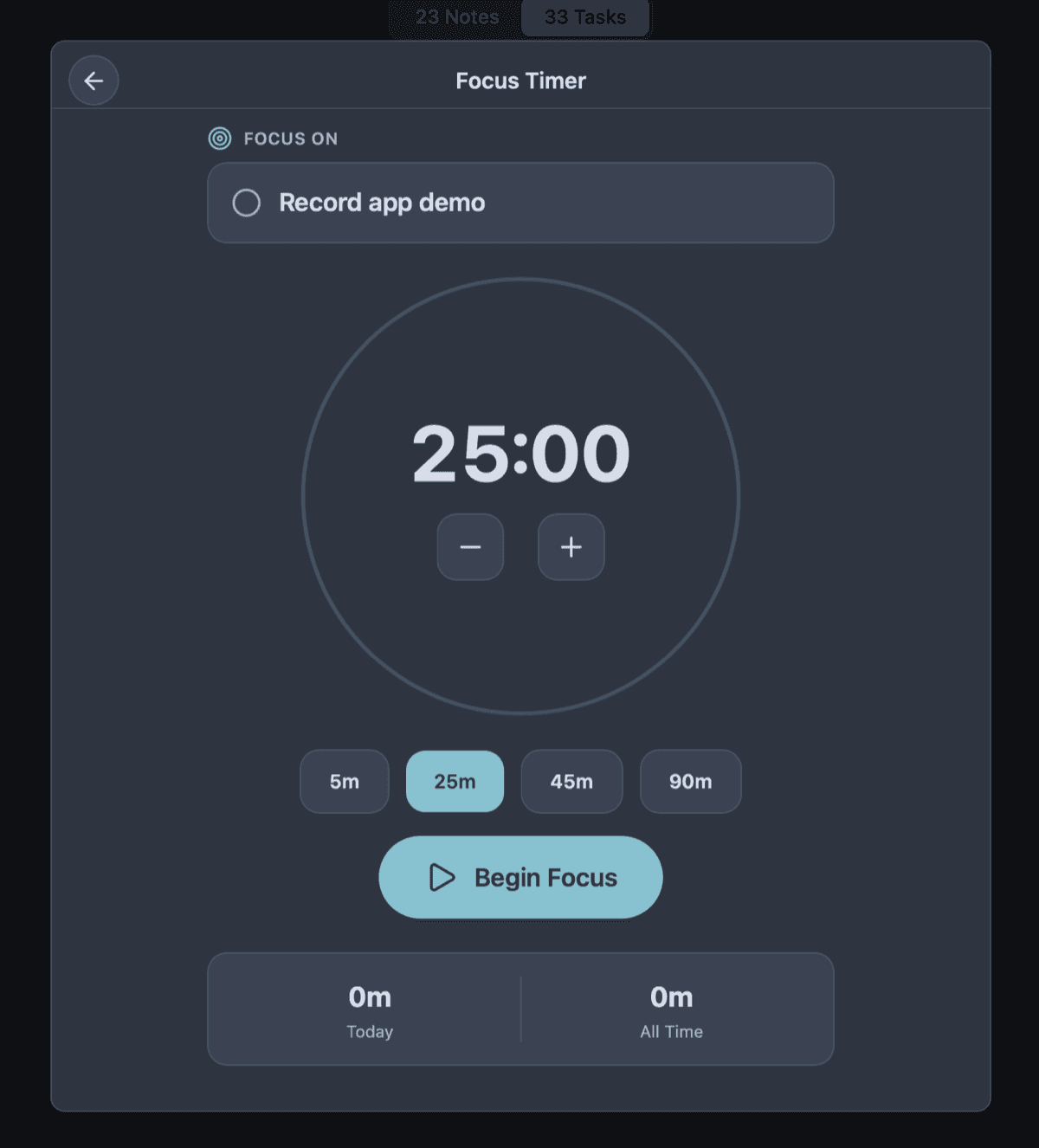
- Built-in Pomodoro timer for actual deep work
Less Setup Than a Wiki, More Power Than a Text File
Developers are notorious for abandoning productivity systems. We get frustrated with the bloat of Jira, decide to build our own perfect system in Obsidian or Notion, spend three weeks configuring plugins and dataview queries, and then abandon that too because the maintenance overhead is too high.
Owldo is intentionally constrained to break this cycle. It offers notes, tasks, Spaces, a schedule, and a focus timer. It provides exactly enough structure to be useful, and not an ounce more. You can't install a plugin to query your tasks. You just have to do the tasks.
By removing the ability to endlessly configure your environment, Owldo forces you to use that cognitive energy on writing actual code.
Capture the Work Around the Work
A Jira ticket represents the goal, but it rarely captures the messy reality of getting there. Where do you put the 15-step deployment checklist you just figured out? Where do you store the cURL command you need to test the auth webhook? Where do you jot down the random idea for refactoring the database layer that you can't tackle right now?
Use Owldo for the work around the work. Create a local Space for your current project. Use the native Markdown editor to capture code snippets with full syntax highlighting. Attach tasks directly below those snippets. Because it's local-first, pulling up that deployment checklist takes zero milliseconds.
Publish Useful Notes Instantly
A significant part of senior engineering is documentation. Often, a private debugging note evolves into a runbook that the rest of the team needs, or a deep-dive that would make a great technical blog post.
Normally, this requires copying your Markdown, logging into a CMS, reformatting the code blocks, and fighting with a WYSIWYG editor. With Owldo, you click a single "Publish" toggle. The note goes live on the web instantly, preserving all of your pristine Markdown formatting. No exporting required.
See Owldo in action

Frequently asked questions
Is Owldo a replacement for Jira or Linear?
No, and it doesn't want to be. Owldo is for your personal project tasks and notes, not team issue tracking or agile sprints.
Does Owldo support code notes?
Absolutely. Owldo natively supports markdown formatting, including headings, lists, and syntax-highlighted code blocks.
Does Owldo work offline for development notes?
Yes. All notes and tasks are stored locally first, meaning you can pull up your deployment checklist even if the Wi-Fi drops.
Related pages