Daily planner
Plan your day without fighting a complex system.
Most daily planners are either overly rigid calendars that make you feel guilty when a meeting runs long, or chaotic sticky notes that get lost on your desk.
Owldo gives you a unified daily view where your scheduled calendar events live side-by-side with your tasks and notes. It’s a sharp, simple interface designed for execution, not endless micro-management.
Our Philosophy
“You shouldn't rent your data. You should own it.”
Proprietary cloud databases are traps designed to make it impossible for you to leave. Owldo rejects this hostile approach. Your notes are standard Markdown. You can export your entire database at any second, which forces us to build a product so good you'll want to stay.
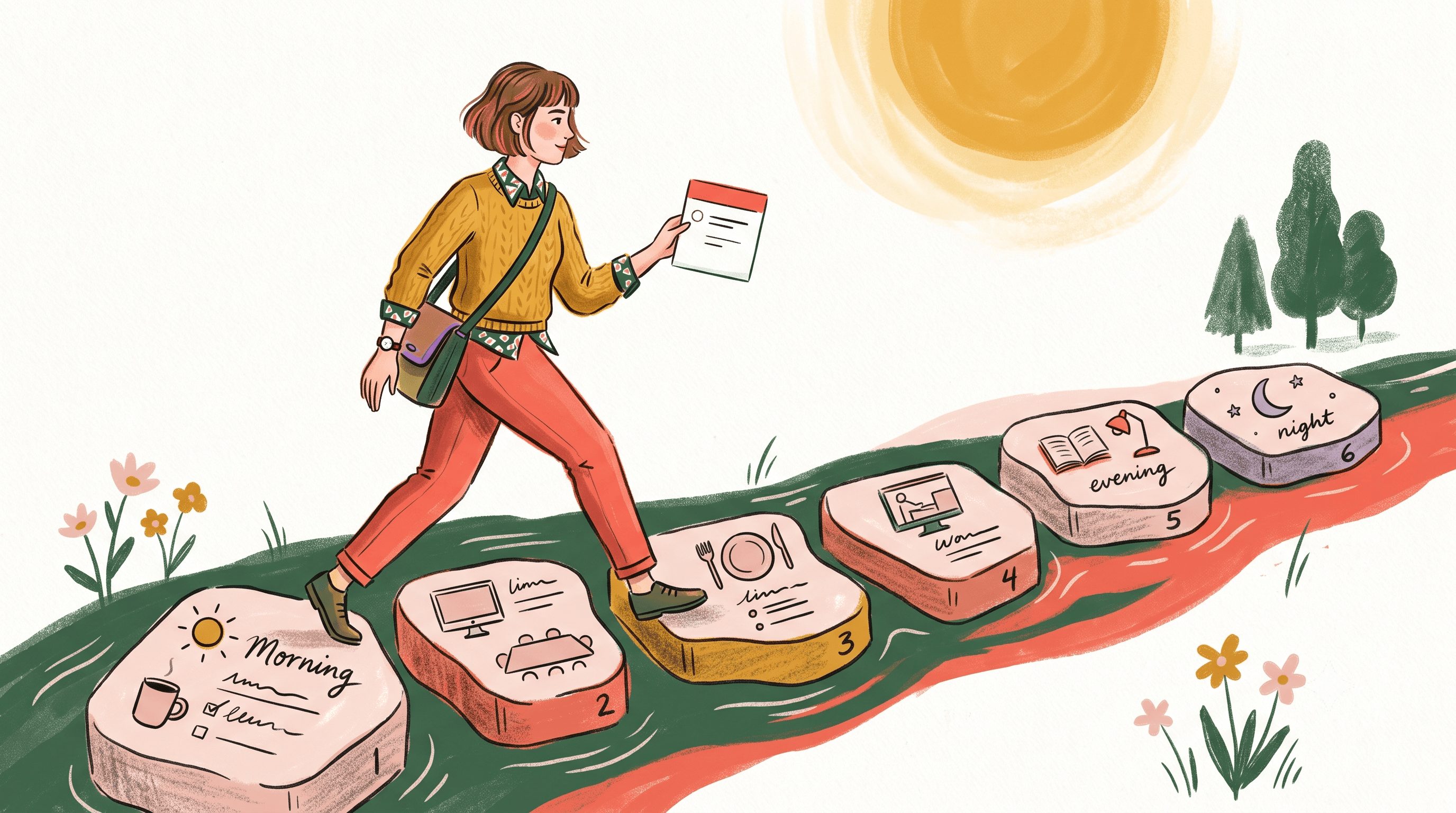
What you get
- See calendar events and tasks side-by-side
- Drag and drop tasks to time-block your day
- Jot down daily notes that stay tied to today's date
- Launch a focus timer directly from today's agenda
Time Blocking That Actually Works
Time blocking—the act of assigning specific blocks of time to specific tasks—is scientifically proven to increase output. Parkinson's Law dictates that work expands to fill the time allotted for its completion. By boxing a task into a 30-minute window, you artificially constrain the time, forcing a faster, more focused execution.
The problem is that time blocking is terrible when your tools don't talk to each other. Switching between Apple Calendar and Todoist to manually type out events is friction. Owldo eliminates this by letting you literally drag a task directly into your daily schedule. You aren't just planning; you're committing.
A Daily Log for Your Brain
Not everything is an actionable task. Sometimes you just need to write down "called the contractor," "brainstormed the new API," or "felt completely blocked on this essay." This is where the concept of the Interstitial Journal comes in—writing down a few sentences between tasks to clear your working memory.
Owldo's daily notes give you a scratchpad permanently tied to the current day. It provides a pressure-free environment to log context, so when you look back on a Tuesday three weeks from now, you know exactly why you didn't finish that feature.
End the Day Cleanly
Burnout often occurs because knowledge workers lack a clear signal that the workday is over. In a factory, the whistle blows. In modern software, the Slack notifications never stop.
Owldo is designed to help you artificially close the loop. At 5:00 PM, you look at your daily planner. Check off what's done, push what isn't to tomorrow with a single click, and close the app. Productivity shouldn't be a 24/7 guilt trip. A good daily planner doesn't just tell you what to do; it gives you permission to stop doing it.
See Owldo in action

Frequently asked questions
Can I sync my Google Calendar with Owldo's daily planner?
Yes. Owldo integrates with your calendar so you can see your meetings alongside your tasks.
Is the daily planner available on mobile?
Yes, your daily view syncs flawlessly between the desktop app and the mobile app.
Does Owldo force a specific planning methodology?
No. We provide the tools (time blocking, daily notes, tasks). Whether you use GTD, time-boxing, or just a simple checklist is entirely up to you.
Related pages