Pomodoro timer app
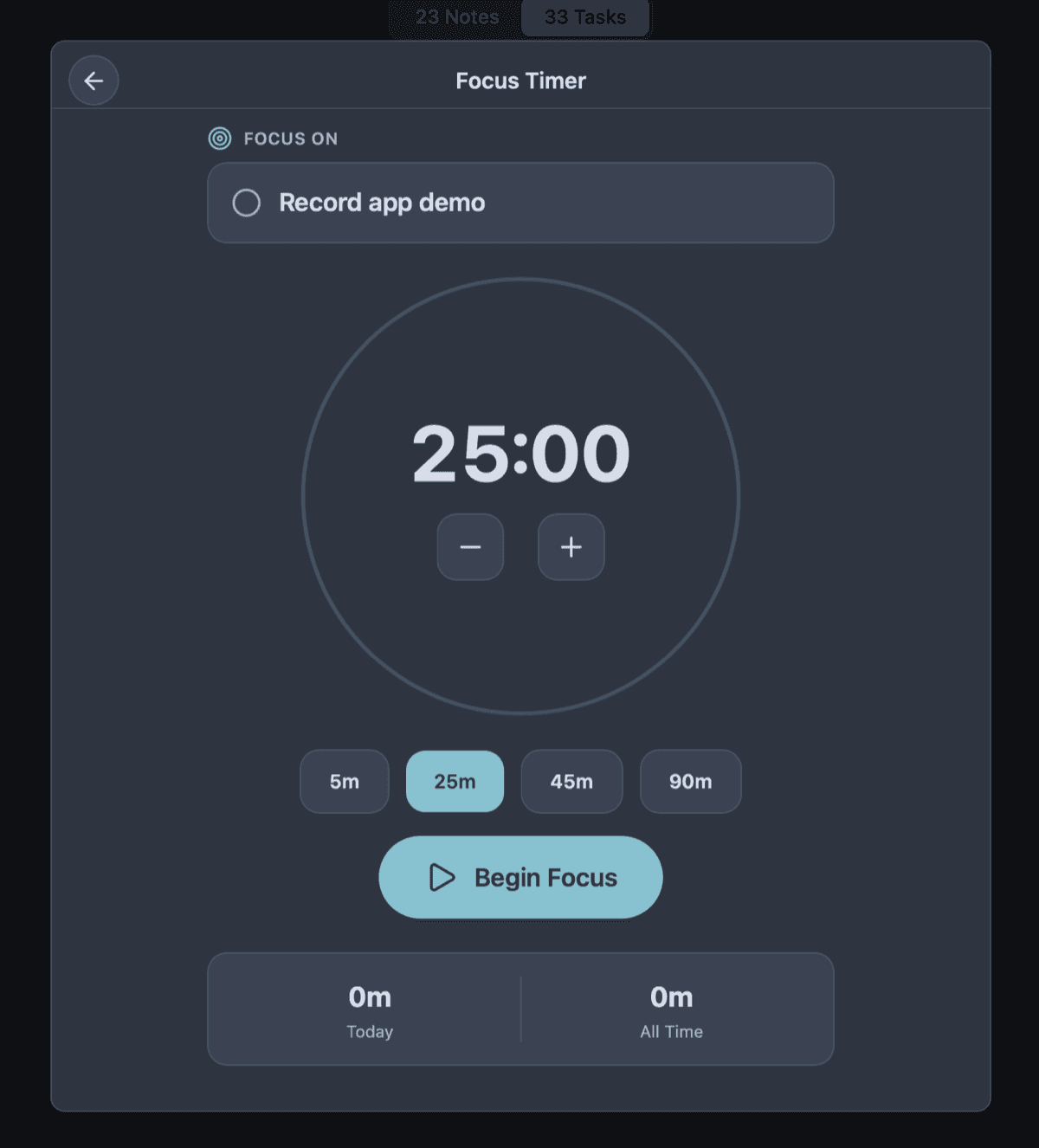
A focus timer that actually knows what you are working on.
A standalone timer app is just a stopwatch that yells at you. It tells you time passed, but not what you achieved. Owldo’s timer sits directly inside your task manager, intimately tied to a specific task, note, or Space.
By connecting the timer to the work itself, Pomodoro stops being a separate ritual and starts being actual momentum.
Our Philosophy
“Friction is the enemy of momentum.”
If you have to open a web app, wait for a loading spinner, and assign five metadata tags just to write down a single sentence, you will simply stop writing things down. We utilize a local-first SQLite architecture to guarantee zero-latency capture.

What you get
- Start focus sessions directly from your task workflow
- Keep notes and context open beside the active timer
- Track streaks and completed sessions automatically
- Works completely offline on desktop and mobile
Focus Without Opening Another Tab
Context switching is the enemy of deep work. Research shows that it takes an average of 23 minutes to regain your focus after a single interruption. Yet, we voluntarily interrupt ourselves by switching between our task manager, our notes app, and a third-party Pomodoro timer just to get started.
If your timer lives in a separate app, it becomes just another window to manage and another opportunity to get distracted by a Slack notification on the way there. Owldo puts the timer right beside the task you already committed to. You read the task, you hit play, and the timer starts. The feedback loop is incredibly tight.
The Ultimate Tool for Deep Work
The beauty of the Pomodoro technique isn't the specific 25-minute interval; it's the psychology of a constrained commitment. It's much easier to convince your brain to "just work on this for 25 minutes" than it is to say "finish this massive project."
Owldo takes this constraint seriously. Pick one task. Start the timer. Let the rest of the app recede into the background. Whether you are a developer untangling spaghetti code, a student writing a thesis, or a writer staring at a blank page, you benefit from this simple, brutal constraint: one thing for one block of time. No multitasking allowed.
More Than Just Tracking Time
Many time-tracking apps focus heavily on generating perfect timesheets and pie charts of where your day went. This is essentially doing accounting for your own brain, and it's exhausting.
The point of Owldo's timer isn't to generate a report for middle management. The point is a better day: fewer context switches, more finished work, and a visible rhythm you can return to tomorrow. We track your streaks and completed sessions to build momentum, not to audit you.
See Owldo in action

Frequently asked questions
Does Owldo have a built-in Pomodoro timer?
Yes. Owldo includes a natively integrated Pomodoro-style focus timer alongside your tasks and notes.
Can I use the Pomodoro timer offline?
Yes. Owldo’s timer, like the rest of the app, works locally without an internet connection.
Is Owldo just a Pomodoro app?
No. Owldo is a complete local-first productivity system (tasks, notes, publishing) that happens to have a deeply integrated focus timer.
Related pages