Free tool · no sign-up
Free Eisenhower matrix maker
Add your tasks and sort them into the four Eisenhower quadrants — Do, Schedule, Delegate, and Delete — to see what actually deserves your attention today.
It runs in your browser, saves as you go, and prints cleanly to paper or PDF. No account needed.
Tip: tap a task to move it to the next quadrant. Saved automatically in your browser.
Do
Urgent & important
Schedule
Important, not urgent
Delegate
Urgent, not important
Delete
Not urgent or important
What the Eisenhower matrix is
The Eisenhower matrix (also called the urgent–important matrix) sorts tasks along two axes: how urgent they are and how important they are. That produces four quadrants.
Do — urgent and important — handle these now. Schedule — important but not urgent — give these a time; this is where your best work usually lives. Delegate — urgent but not important — hand these off. Delete — neither — drop them without guilt.
How to use this tool
Type a task, choose a quadrant, and press Add. Tap any task to cycle it to the next quadrant, or use the ✕ to remove it. When you are done, print the grid or save it as a PDF.
Everything is stored locally in your browser, so your matrix is still here when you come back on the same device.
From sorting to doing
A matrix is only useful if the tasks in it turn into action. Owldo builds the same urgent/important prioritisation into a full task manager, so once you have decided what matters you can schedule it, add notes, and start a focus session in the same place.
Frequently asked questions
What are the four Eisenhower quadrants?
Do (urgent and important), Schedule (important but not urgent), Delegate (urgent but not important), and Delete (neither urgent nor important).
Is this Eisenhower matrix maker free?
Yes. It is free, requires no sign-up, and saves your tasks in your browser.
Can I print the matrix?
Yes. Use the Print button to print it or save it as a PDF with a clean layout.
Where are my tasks stored?
They are stored locally in your browser only. Nothing is uploaded to a server.
The same idea, built into Owldo

Keep it beside your actual work
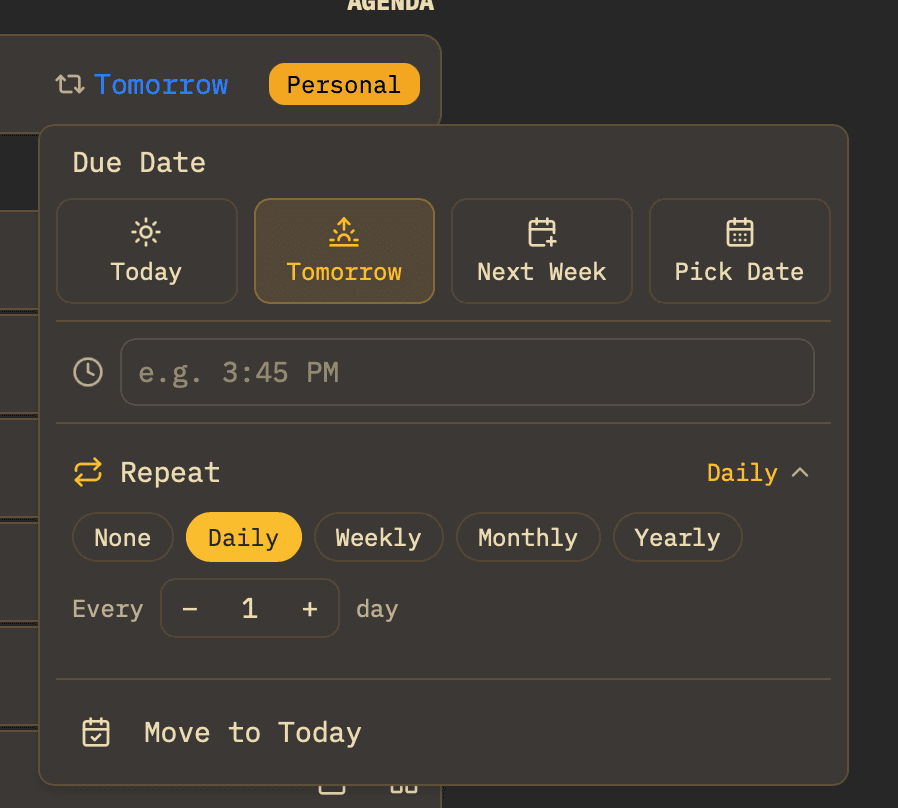
This tool lives in your browser. Owldo builds the same focus timer, priority matrix, and planning into a real tasks-and-notes app that works offline and syncs across your devices.
More free tools