Comparison
Owldo vs Google Keep.
Google Keep is the fastest way to jot a sticky note and forget about it. That is its strength and its ceiling. The moment your notes need structure, tasks, or a home, Keep runs out of room. Owldo keeps the speed and gives it somewhere to grow.
| Feature | Owldo | Google Keep |
|---|---|---|
| Quick capture | Fast | Very fast |
| Tasks built in | Native, first-class | Checklists only |
| Organization | Spaces + filters | Labels + colors |
| Rich-text notes | Yes | Minimal |
| Offline-first | Yes, local database | Google-account dependent |
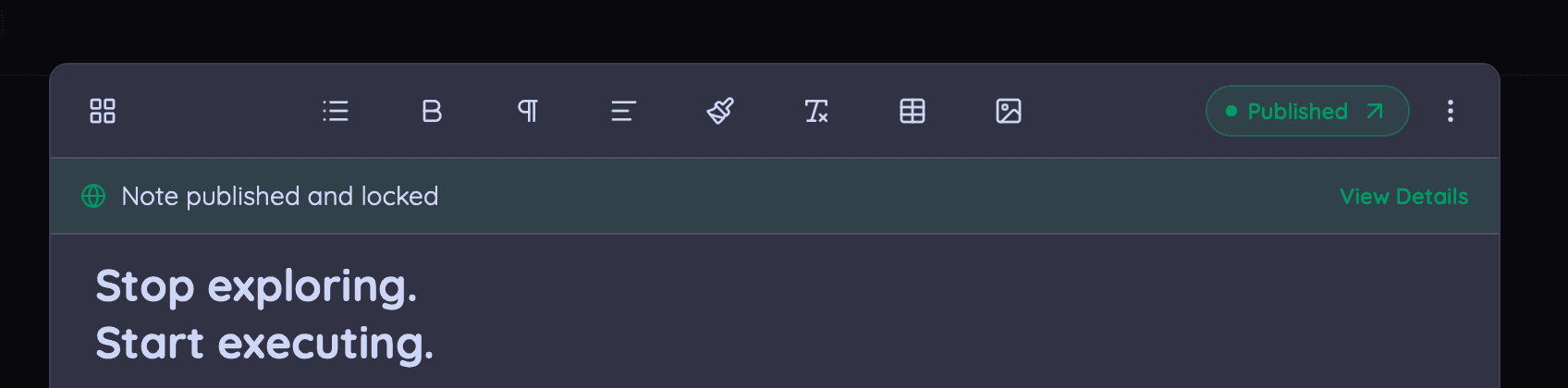
| Publish to the web | One tap | No |
| Pricing | Free local / $3/mo sync | Free (Google account) |
A great inbox, not a system
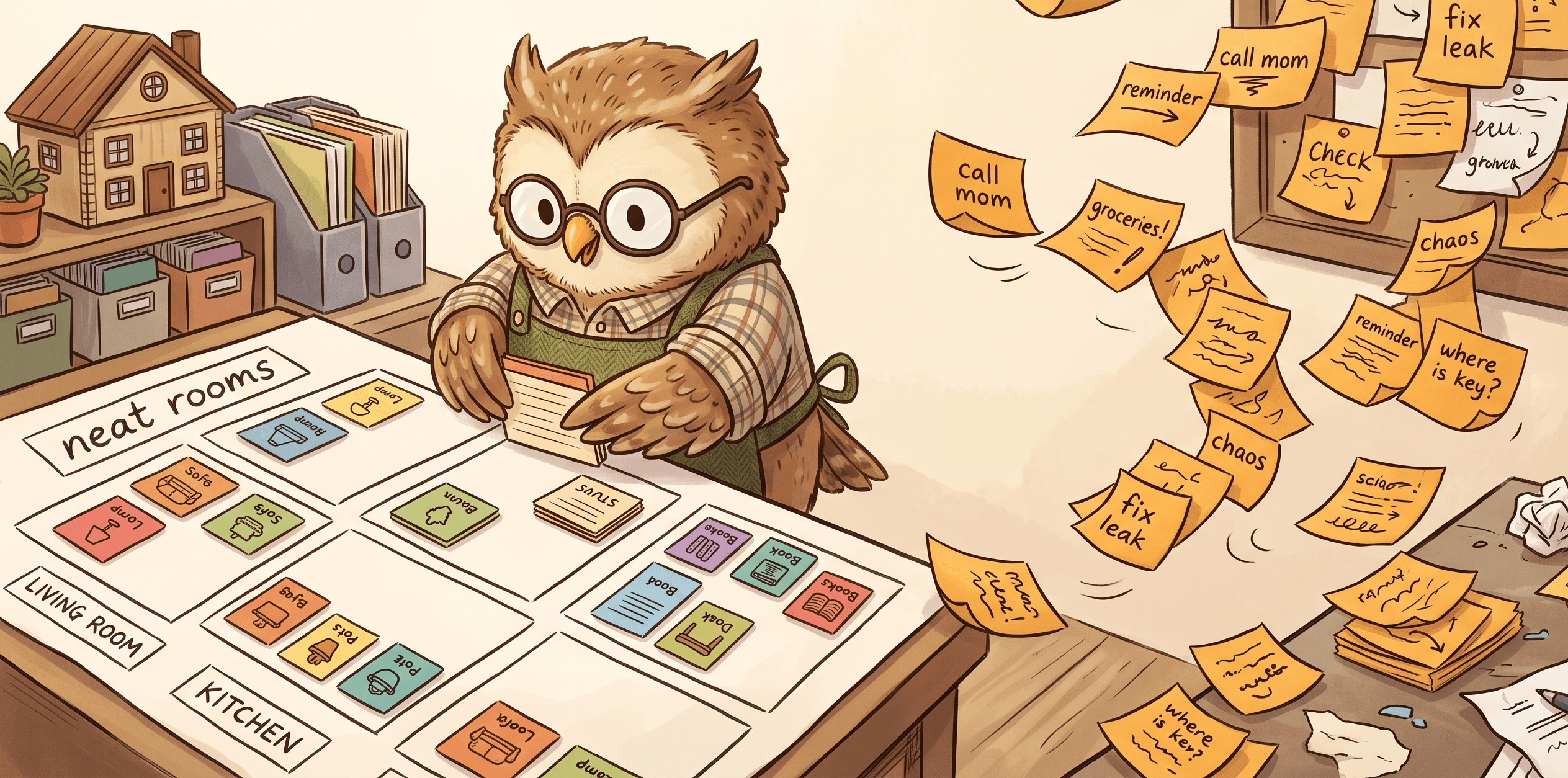
Keep is a wall of colored cards. That works beautifully for a grocery list and poorly for anything you need to find, structure, or act on next week. Owldo has the same fast inbox but adds Spaces, real tasks, and search that expects a corpus, not a scrapbook.
Where Google Keep wins
Keep is free, tightly woven into the Google ecosystem, and effortless for throwaway capture and reminders. If that is all you need, it is perfect.
Owldo is for when those notes start to matter enough to organize and finish.
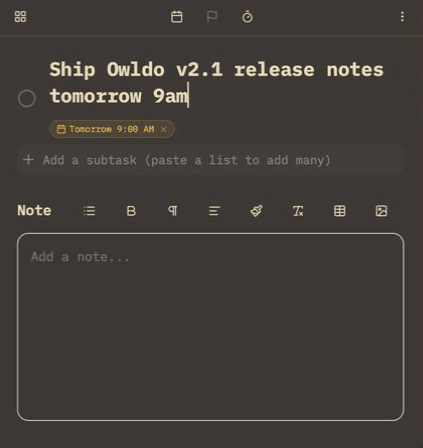
What you get with Owldo

Frequently asked questions
Is Owldo a good Google Keep alternative with tasks?
Yes — Owldo keeps Keep-style fast capture but adds first-class tasks, Spaces, and rich notes.
Does Owldo work offline better than Google Keep?
Owldo is offline-first with a local database; Keep leans on your Google account and connection.
Is Owldo more private than Google Keep?
Yes. Keep lives inside your Google account; Owldo is local-first — stored on your device — with optional end-to-end encryption, so even synced notes are unreadable to anyone but you.
More comparisons