Comparison
Owldo vs Evernote.
Evernote was the pioneer of the digital brain. For a decade, it was the default place to put everything. But as the company grew, the product became bloated, slow, and increasingly hostile.
Owldo represents a return to what made note-taking apps great in the first place: extreme speed, offline reliability, and an opinionated interface that gets out of your way.
Our Philosophy
“Tasks are RAM, Notes are ROM.”
Execution is where actual value is created. A perfect productivity system forces you to spend the majority of your time executing (RAM) rather than endlessly organizing (ROM). Owldo is designed to artificially constrain your focus to drive sheer execution.

| Feature | Owldo | Evernote |
|---|---|---|
| App Speed | Instant (Local-first) | Slow (Cloud-dependent) |
| Markdown support | Native, on-the-fly | Basic/Clunky |
| Offline support | Full by default | Premium only |
| Task management | First-class integration | Added as an afterthought |
| Pricing | Free local / $3/mo sync | Free (restricted) / $14.99/mo |
The Price of Bloat
Evernote suffers from severe feature creep. Over the years, they've bolted on chat features, presentation modes, and complex home dashboards. This bloat requires massive cloud infrastructure, which makes the app incredibly slow to load.
Owldo is aggressively minimalist. By building on a local-first SQLite database, Owldo opens instantly. The time between thinking a thought and capturing it in Owldo is measured in milliseconds, not seconds.
Tasks That Actually Work
Evernote recently added tasks, but they feel like checkboxes duct-taped to a document editor. They are clunky to manage and disconnected from a real daily planner workflow.
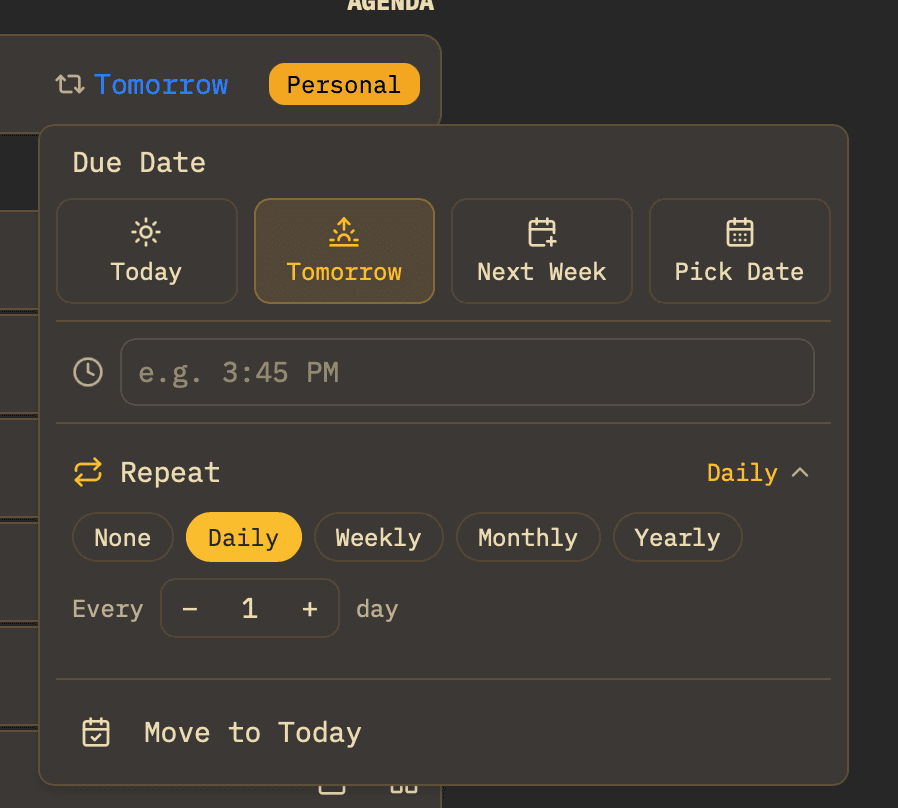
Owldo was built from day one to treat tasks and notes as equal citizens. Your notes provide the context, and your tasks (with due dates, Pomodoro timers, and calendar integration) drive the execution.
Where Evernote Wins
Evernote is still the king of OCR (Optical Character Recognition) and web clipping. If your primary workflow is scanning physical receipts, snapping photos of whiteboards, and clipping hundreds of web articles to search their text later, Evernote is the tool for the job.
But if you are primarily generating your own thoughts—writing code snippets, project briefs, and daily tasks—Owldo is significantly faster and far cheaper.
What you get with Owldo


Frequently asked questions
Is there an Evernote importer?
Not natively. You can export Evernote notebooks to Markdown using third-party tools and paste the text into Owldo.
Is Owldo cheaper than Evernote?
Significantly. Owldo is completely free for local use, and $3/month for cross-device sync. Evernote Premium is nearly $15/month.
More comparisons