Comparison
Owldo vs OneNote.
OneNote gives you an infinite free-form canvas organized into notebooks, sections, and pages. It is flexible and free — and, for many people, exactly where notes go to get lost. Owldo trades the sprawl for structure that stays fast.

| Feature | Owldo | OneNote |
|---|---|---|
| Structure | Spaces + tasks + notes | Notebooks / sections / pages |
| Tasks built in | Native, first-class | Tags / Outlook flags |
| Speed | Instant, local database | Sync can lag |
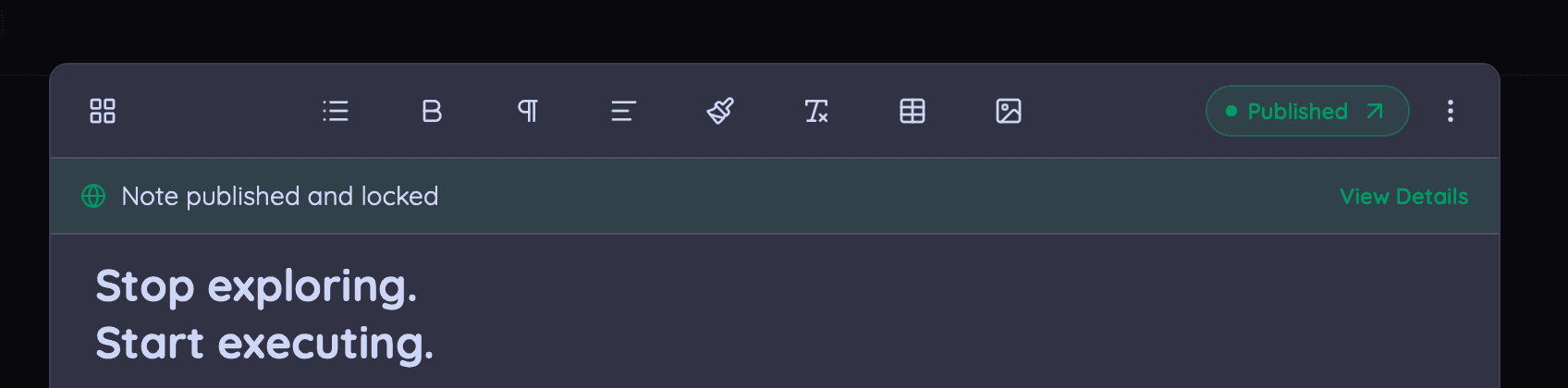
| Publish to the web | One tap, owldo.app/you | Share links |
| Offline-first | Yes | Partial |
| Pricing | Free local / $3/mo sync | Free (Microsoft account) |
Freedom has a cost
A free-form canvas is wonderful for a single messy brainstorm and treacherous as a long-term system — pages drift, sections multiply, and retrieval gets hard. Owldo’s Spaces give notes and tasks a consistent home you can actually search and finish.
Where OneNote wins
OneNote is genuinely great for free-form input — handwriting, drawings, clipping, and mixed media on an unbounded page — and it is free with a Microsoft account. For visual, ink-heavy note-taking it is excellent.
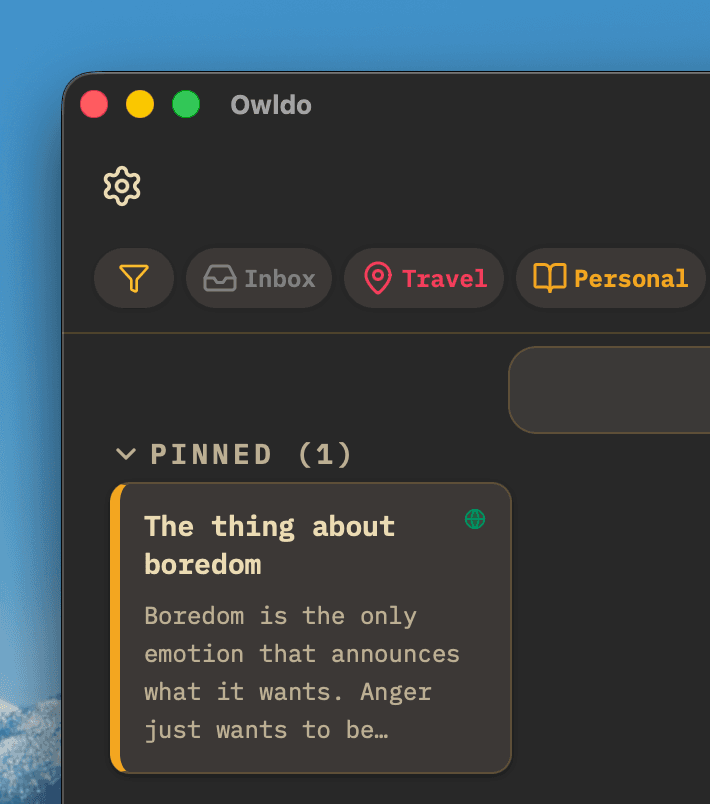
Owldo wins on speed, structure, and having real tasks in the same place.
What you get with Owldo

Frequently asked questions
Is Owldo a lighter alternative to OneNote?
Yes — Owldo replaces OneNote’s open canvas with fast, structured Spaces and adds first-class tasks.
Does Owldo have tasks that OneNote lacks?
Owldo has native tasks with due dates, priorities, and recurring schedules, rather than OneNote’s tags and Outlook flags.
Is Owldo more private than OneNote?
Owldo is local-first with optional end-to-end encryption: notes stay on your device unless you choose to sync, and stay unreadable to anyone but you when you do. OneNote stores notebooks in your Microsoft account by default.
More comparisons