Comparison
Owldo vs Apple Notes.
Apple Notes is fantastic because it's fast, native, and uncluttered. It feels like an extension of the operating system. But the moment you buy a Windows PC or an Android phone, that magic disappears into a clunky web app.
Owldo is built to recreate that native, zero-latency feeling across every platform, while fixing Apple's artificial separation of notes and tasks.
Our Philosophy
“You shouldn't rent your data. You should own it.”
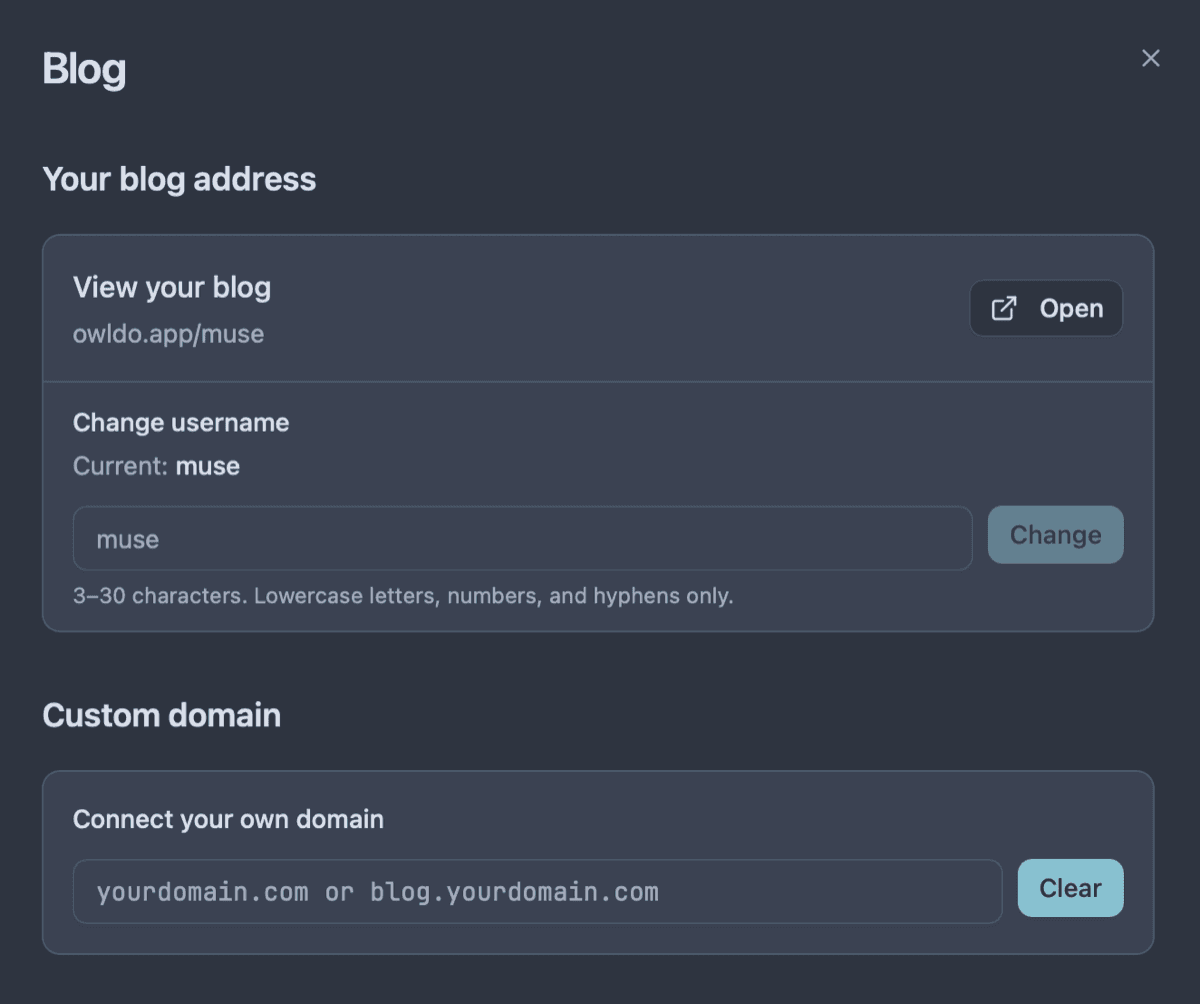
Proprietary cloud databases are traps designed to make it impossible for you to leave. Owldo rejects this hostile approach. Your notes are standard Markdown. You can export your entire database at any second, which forces us to build a product so good you'll want to stay.

| Feature | Owldo | Apple Notes |
|---|---|---|
| Platforms | Mac, Windows, iOS, Android | Mac, iOS (Web for Windows) |
| Task management | Full (due dates, calendar) | Requires Apple Reminders |
| Format | Markdown | Proprietary Rich Text |
| Pomodoro timer | Built in | No |
| Publishing | Built in | No |
| Pricing | Free local / $3/mo sync | Free (with iCloud storage limits) |
Breaking the Walled Garden
Apple's strategy with their native apps is brilliant: make them incredibly fast, deeply integrated, and impossible to leave. The web version of Notes for Windows users is intentionally slow and limited, designed to remind you that you are a second-class citizen outside the walled garden.
Owldo breaks this lock-in. We built native, lightning-fast desktop applications for both Mac and Windows. You get the same instant-open, zero-latency capture experience everywhere, regardless of the hardware you choose to buy.
Uniting Notes and Tasks
Apple provides Notes for text, and Reminders for tasks. This artificial separation forces you to constantly bounce between two apps. If you write down a project plan in Apple Notes, you have to manually copy the action items over to Reminders.
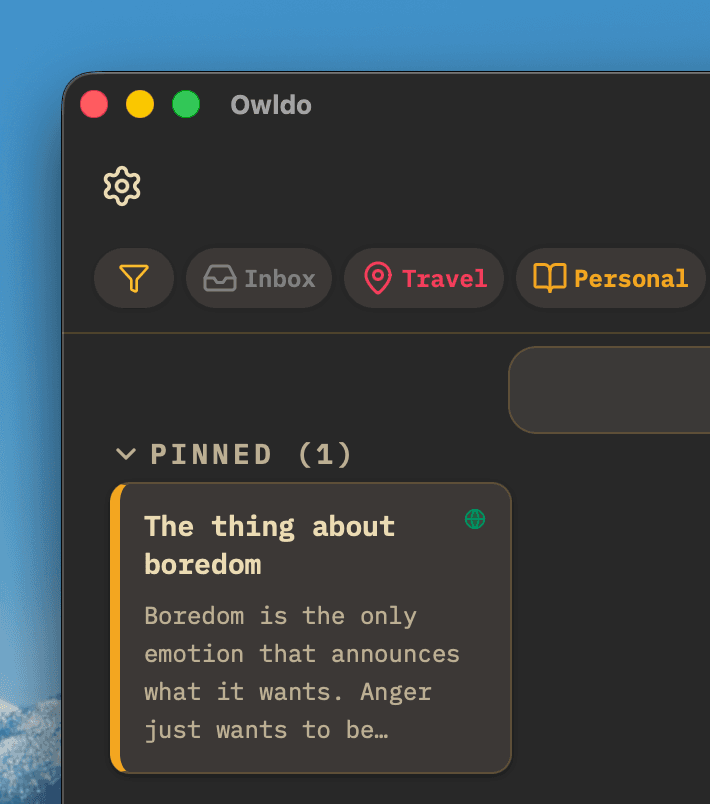
Owldo fundamentally believes notes and tasks are the same thing: units of work. In Owldo, you write a long-form Markdown document, and directly beneath it, you create a robust task list with due dates. The context and the action items live together.
Where Apple Notes Wins
System-level integration. On an iPhone or Mac, you can highlight text anywhere and use the "Share" sheet to drop it instantly into Apple Notes. You can use an Apple Pencil to draw diagrams directly into a note. Apple Notes will always have the home-field advantage on Apple hardware.
If you never plan to use a PC or Android device, Apple Notes is hard to beat for simple capture. But if you need cross-platform access, markdown, or project tasks, Owldo is the clear choice.
What you get with Owldo

Frequently asked questions
Is Owldo as fast as Apple Notes?
Yes. Because Owldo is built on a local SQLite database, it achieves the exact same zero-latency read/write speed as Apple Notes.
Can I import from Apple Notes?
Apple notoriously makes exporting difficult. You often have to copy/paste text or use third-party scripts to export Apple Notes to Markdown first.
More comparisons