Owldo for Product Managers
Jira is for the team. Owldo is for your brain.
Product Managers spend their entire day organizing work for other people in heavy tools like Jira, Linear, or Asana. But those tools are terrible for managing your own personal chaos.
Owldo is the private, lightning-fast scratchpad where you draft the PRD, take the messy meeting notes, and track the 50 tiny follow-up tasks that aren't big enough for a Jira ticket.
Our Philosophy
“Friction is the enemy of momentum.”
If you have to open a web app, wait for a loading spinner, and assign five metadata tags just to write down a single sentence, you will simply stop writing things down. We utilize a local-first SQLite architecture to guarantee zero-latency capture.

The Daily Chaos Filter
A PM's day is a barrage of context switches: a standup meeting, a design review, a fire drill with engineering, and a stakeholder update. In each of these meetings, you acquire 3-4 personal action items that don't belong in the team backlog.
Owldo's daily planner view is built for this. It gives you a fast, unified view of your calendar and your personal tasks. You drop the immediate follow-ups into today's agenda, and push the strategic thinking to Friday. It filters the noise.
Drafting Without the Audience
Writing a Product Requirements Document (PRD) directly in a shared Google Doc or Confluence page is paralyzing. You can see stakeholders cursor-hovering over your half-finished thoughts.
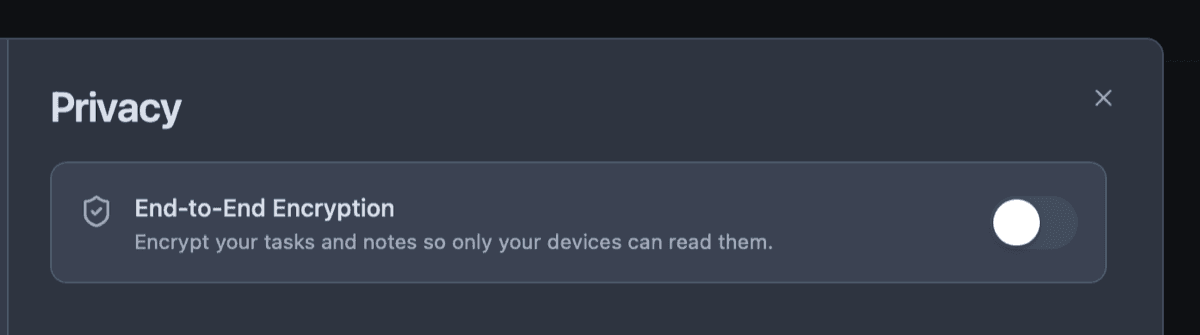
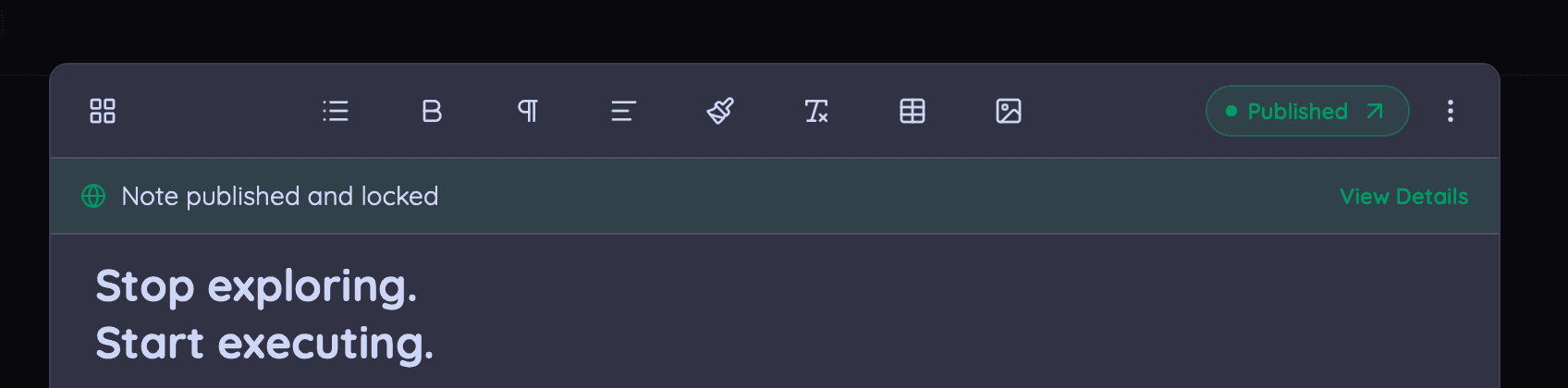
Owldo gives you a private, local-first Markdown editor. You can draft the PRD, organize your thoughts, and build out the logic in complete privacy. When it's ready, you export it to the team wiki.
Speed Above All Else
When you are running a meeting and someone asks a question about a decision made three weeks ago, you cannot afford to wait 5 seconds for a cloud wiki to load. Owldo's local-first database ensures your past meeting notes and decisions open instantly.
Owldo for Product Managers
What this replaces
- Apple Notes (doesn't integrate with real tasks or schedules)
- Notion (too slow during live meetings)
- Using Slack messages to yourself as a to-do list
Frequently asked questions
Should I use Owldo to assign tasks to engineers?
No. Owldo is a single-player app for your personal productivity. Keep using Jira/Linear for team delegation.
Can I link to team documents in Owldo?
Yes. You can easily drop URLs to Jira tickets or Figma files into your Owldo notes to keep your personal context connected to the team's work.
Owldo is also for