Owldo for Consultants
For the professional who lives on airplanes and hotel Wi-Fi.
Consulting requires heavy travel, constant client meetings, and the management of highly sensitive corporate data. Cloud-only tools fail spectacularly in this environment.
Owldo is an offline-first application with optional End-to-End Encryption. It ensures you can take meeting notes on a plane, manage deliverables in a dead zone, and protect client confidentiality mathematically.
Our Philosophy
“We build sharp knives, not Swiss army knives.”
Most productivity apps try to be everything for everyone, resulting in bloated, slow software. Owldo is deliberately opinionated. We built a fast, local-first tool strictly for people who think in prose and execute in deadlines.

The Offline-First Advantage
If your entire productivity system lives in a web app, you are at the mercy of the airline's Wi-Fi. A dropped connection means you can't review your notes before a major client presentation.
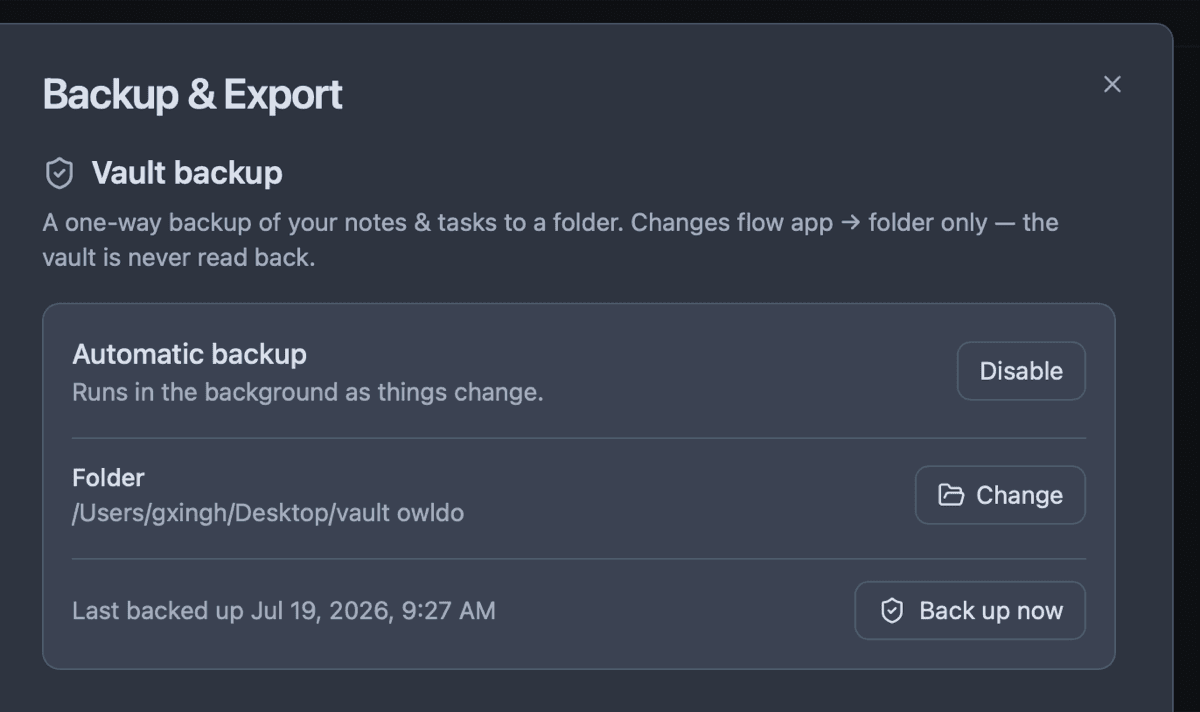
Owldo stores your database locally on your laptop. You have 100% access to every note, task, and schedule entry while flying over the Atlantic. When you land and reconnect to the hotel Wi-Fi, Owldo silently syncs your changes to your phone in the background.
Securing Client Data
Consultants deal with proprietary strategies and unreleased financials. Storing this in a standard cloud app is a liability. By enabling Owldo's AES-256 End-to-End Encryption, your client notes are scrambled on your device before syncing. No one—not even our database administrators—can read your client strategies.
Daily Planning for Billable Hours
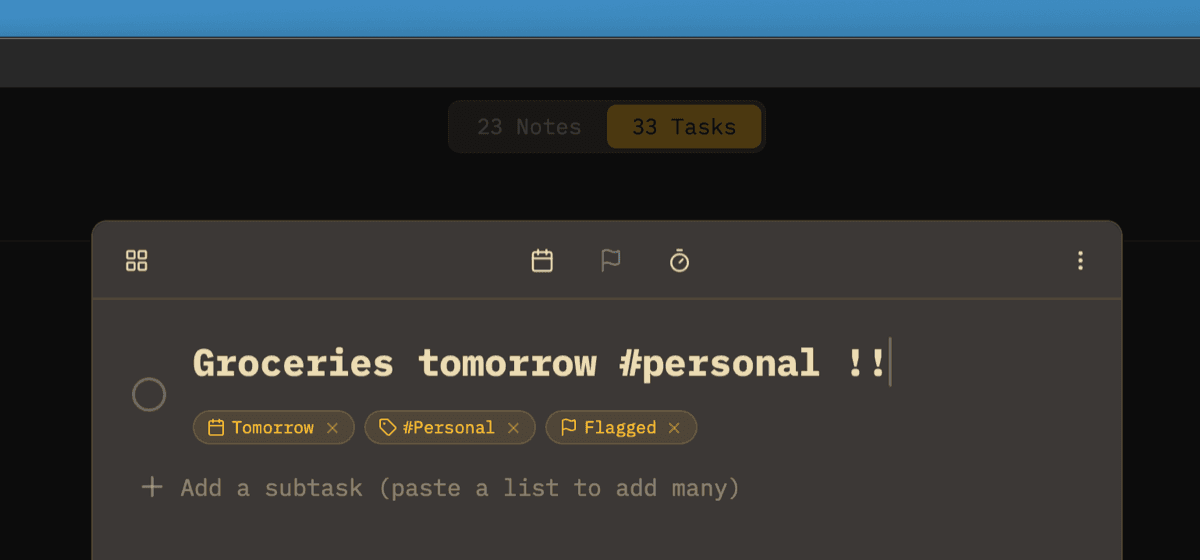
When your time is billed by the hour, you cannot afford to lose track of your day. Owldo's unified daily planner lets you drag tasks directly into your calendar alongside your scheduled client calls. It provides a crystal-clear agenda that helps you maximize billable output.
Owldo for Consultants
What this replaces
- Evernote (requires a premium subscription just to work offline)
- Notion (useless without a stable internet connection)
- OneNote (clunky syncing and overly complex interface)
Frequently asked questions
Can I use Owldo completely offline?
Yes. The app is fully functional without an internet connection. Capturing notes, editing tasks, and scheduling all work natively.
How secure is the client data?
With E2EE enabled, your data is mathematically secure. The encryption key is derived from a password only you know.
Owldo is also for