Owldo for Researchers
Privacy for your data, structure for your deadlines.
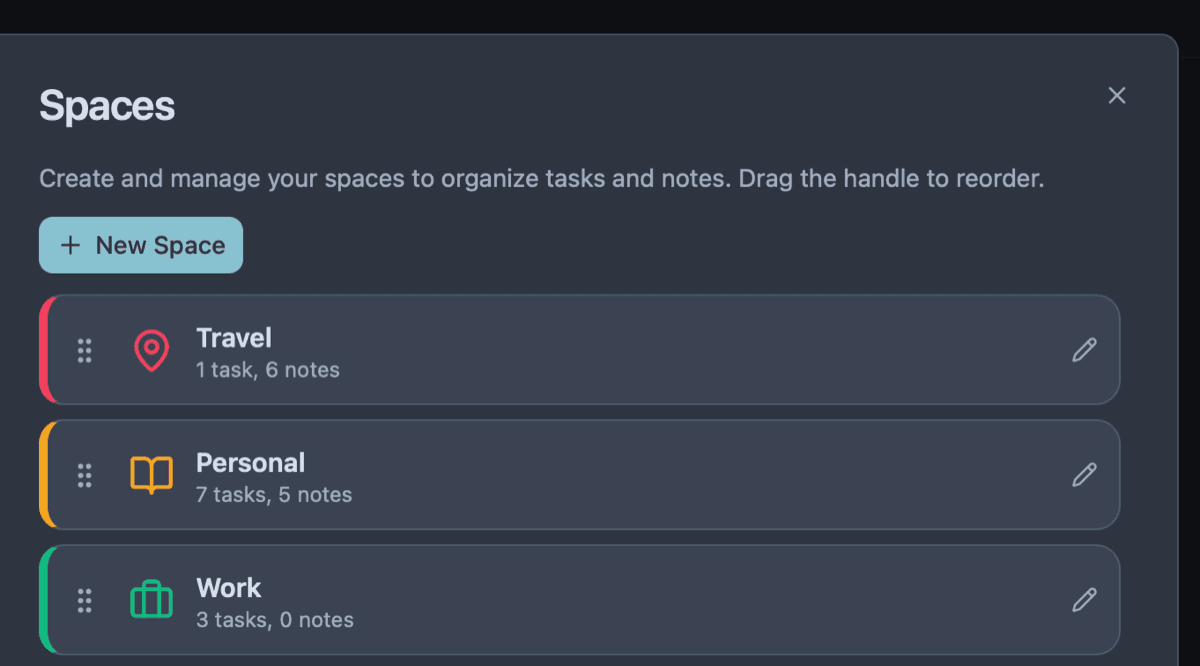
Academic and private research demands two things that rarely coexist in software: absolute data privacy for sensitive subject matter, and rigorous task management for grant and publication deadlines.
Owldo provides a local-first workspace with optional End-to-End Encryption, ensuring your data remains mathematically private while offering the structured execution tools you need to hit your milestones.
Our Philosophy
“Tasks are RAM, Notes are ROM.”
Execution is where actual value is created. A perfect productivity system forces you to spend the majority of your time executing (RAM) rather than endlessly organizing (ROM). Owldo is designed to artificially constrain your focus to drive sheer execution.
Trust Math, Not Privacy Policies
If you are conducting interviews on sensitive topics or dealing with proprietary datasets, you cannot trust a standard cloud notes app. Privacy policies change, and data breaches happen.
Owldo is local-first, meaning the primary copy of your research lives on your hard drive. If you choose to sync your data, you can enable AES-256 End-to-End Encryption. Your data is scrambled on your device before it ever touches our servers. We couldn't read your research even if we were legally compelled to.
Literature Reviews Next to Tasks
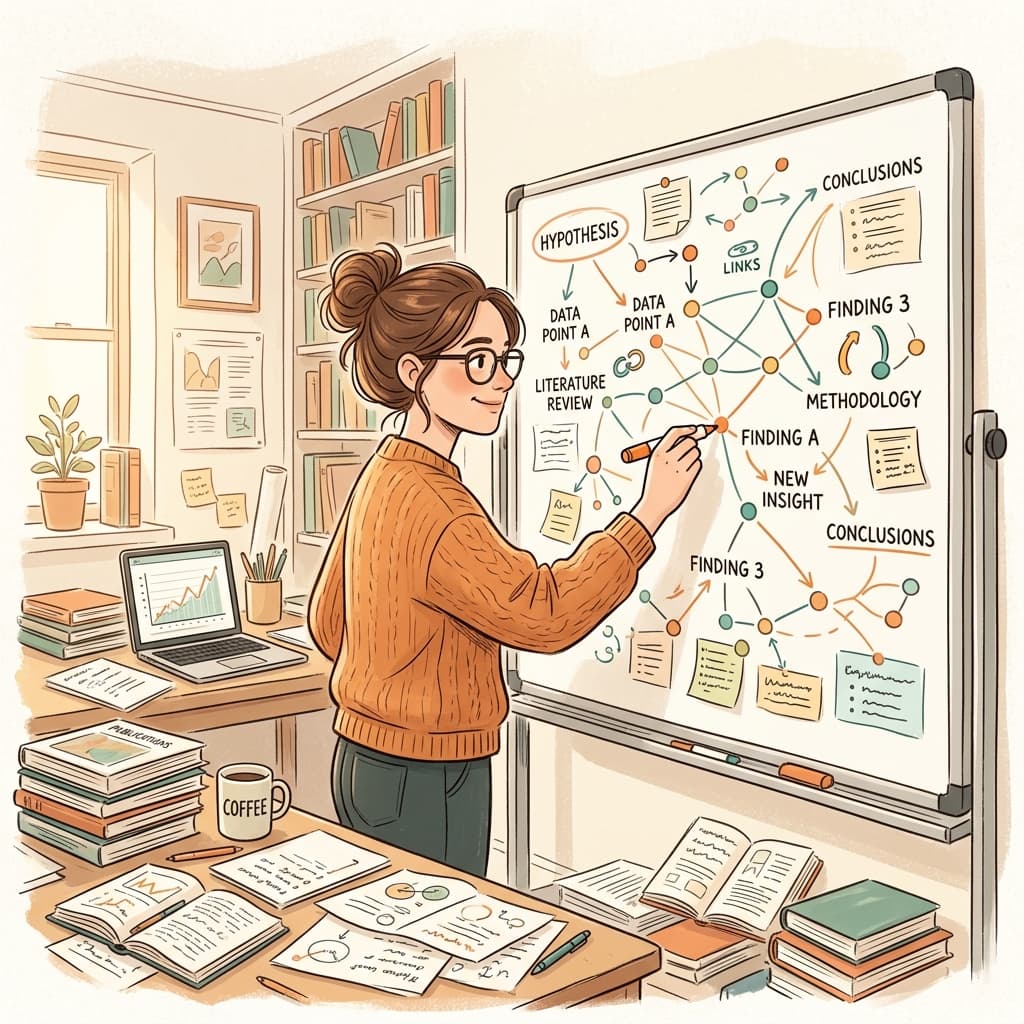
A literature review is a massive undertaking that requires capturing thousands of words of notes, while simultaneously tracking dozens of micro-tasks ("Pull PDF for citation," "Verify data table in Chapter 3").
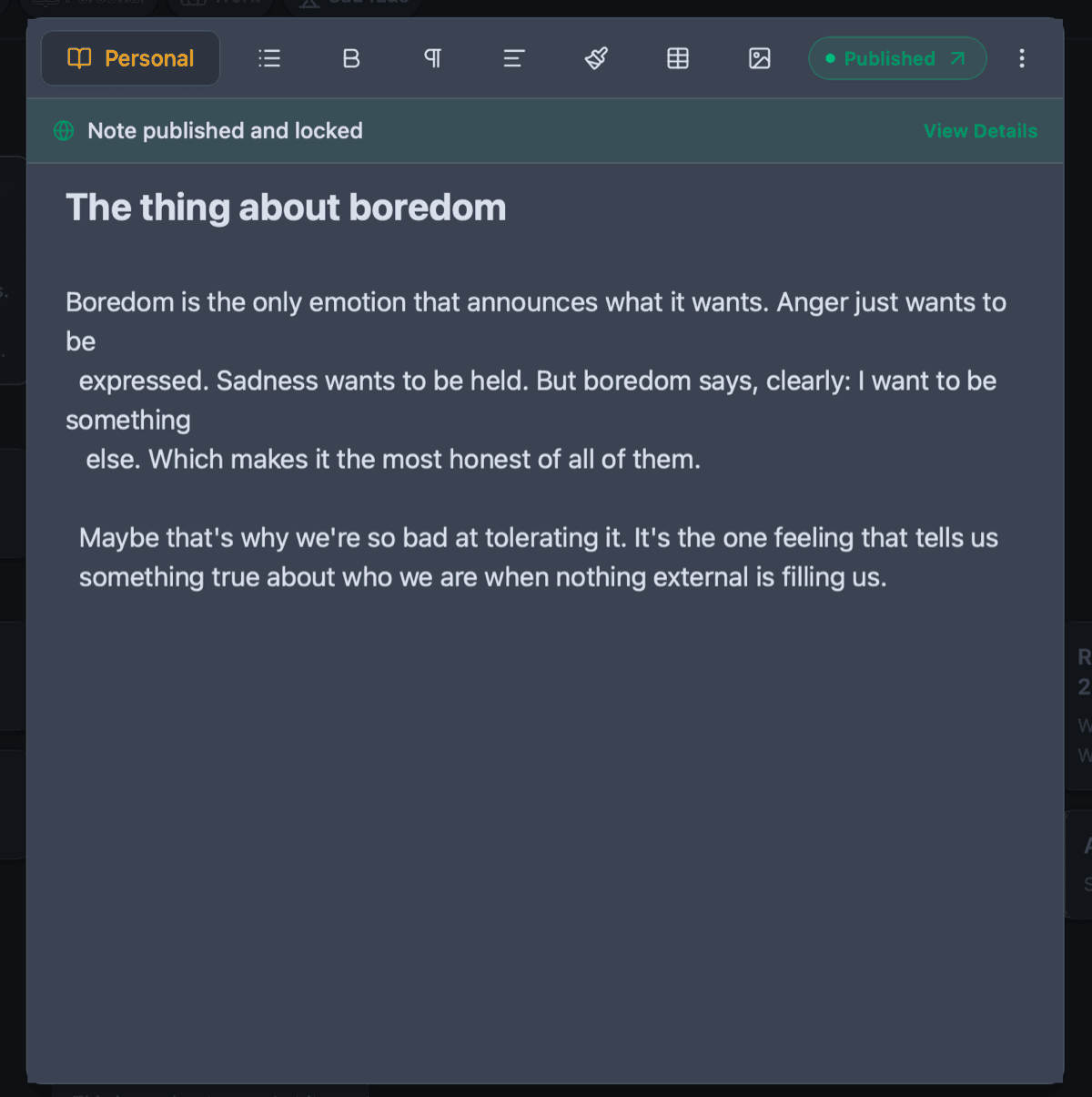
Owldo allows you to write your extensive literature review in a clean Markdown document, and maintain an actionable, date-driven task list in the exact same Space. The reading and the doing are no longer separated by a software boundary.
Works in the Field
Field research often takes you far away from reliable Wi-Fi. Because Owldo is an offline-first application, you can take extensive notes and log tasks in the middle of a forest or a concrete basement. The app functions flawlessly without a connection and syncs silently when you return to civilization.
Owldo for Researchers
What this replaces
- Standard Notes (private, but lacks real project management)
- Evernote (bloated, slow, and cloud-dependent)
- Word Docs (poor task management for long-term projects)
Frequently asked questions
How secure is Owldo for sensitive research?
With E2EE enabled, Owldo uses AES-256 encryption. The decryption key never leaves your device.
Can I export my notes for a thesis or paper?
Yes. Owldo notes can be exported as standard Markdown files, which can easily be converted to Word or PDF via tools like Pandoc.
Owldo is also for