Owldo for Freelancers
Stop mixing up Client A's notes with Client B's deadlines.
Freelancing requires ruthless organization. If you mix up the feedback from one client with the deliverables for another, you lose money and trust.
Owldo provides a rigid, partitioned structure. One Space per client. Their meeting notes, your action items, and the project deadlines all live in a single, isolated, lightning-fast folder.
Our Philosophy
“You shouldn't rent your data. You should own it.”
Proprietary cloud databases are traps designed to make it impossible for you to leave. Owldo rejects this hostile approach. Your notes are standard Markdown. You can export your entire database at any second, which forces us to build a product so good you'll want to stay.

The "One Space Per Client" Rule
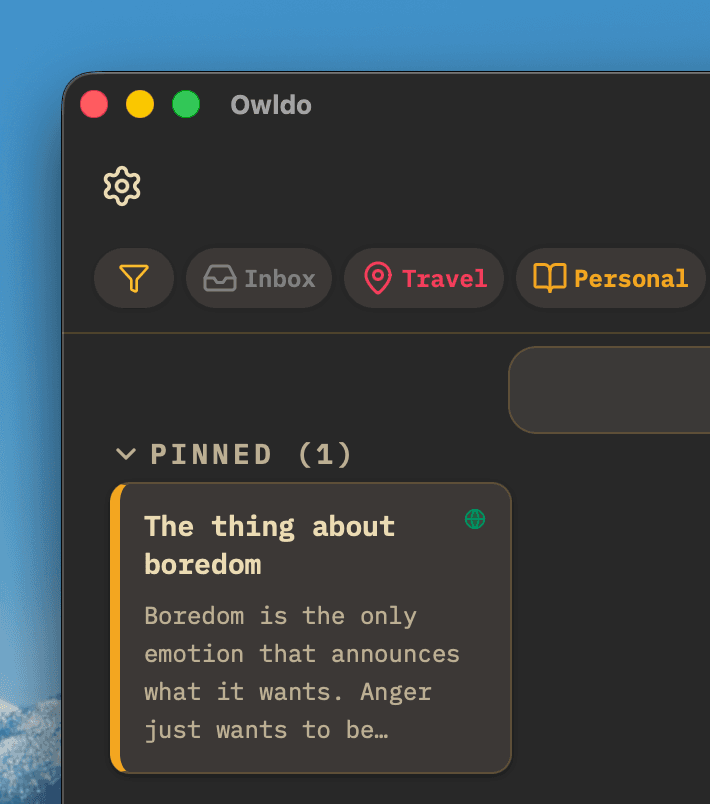
In tools like Todoist, all your tasks pool into a massive, overwhelming list. In Owldo, organization is physical. You create a Space called "Acme Corp Redesign." Inside that Space, you keep the Markdown notes from the kickoff call, the Hex codes for their brand, and the task list for the deliverables.
When you switch contexts from Client A to Client B, you simply open a different Space. The mental partition prevents mistakes and reduces the cognitive load of juggling multiple contracts.
Publish Deliverables Instantly
Freelancers constantly need to send updates, mood boards, or written proposals to clients. Sending a PDF is clunky, and giving them access to your Notion workspace is a privacy risk.
With Owldo, you can write a project update in Markdown, click the "Publish" toggle, and immediately send the client a clean, professional URL. It acts as a lightweight, instant client portal.
Time Blocking Your Week
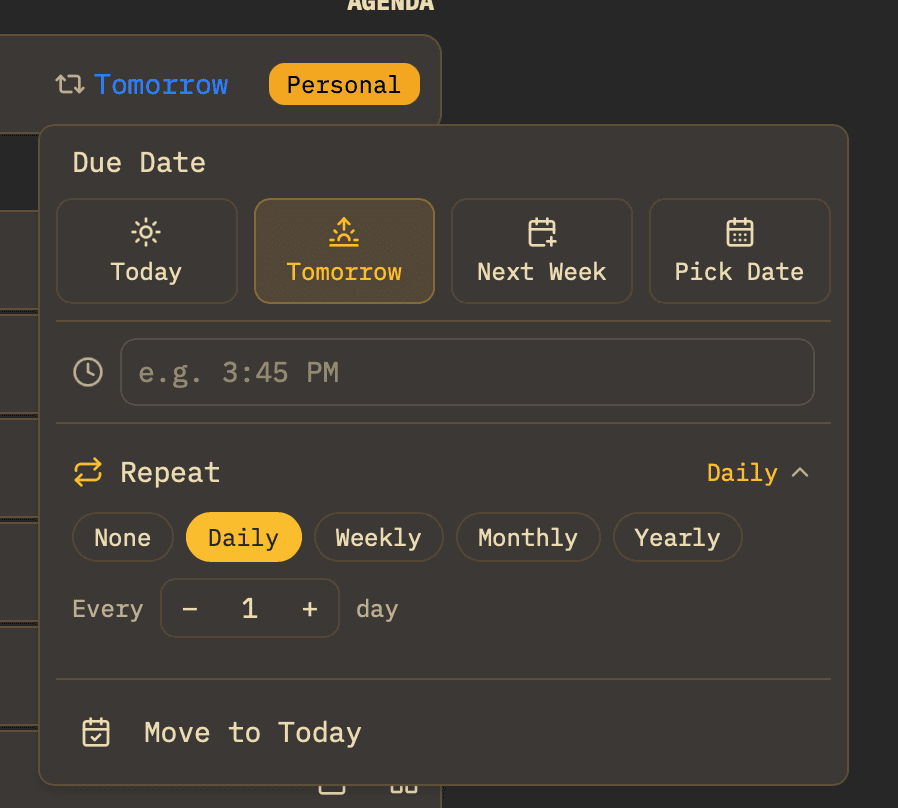
When you are your own boss, no one tells you what to work on. This freedom often leads to poor time management. Owldo's weekly planner allows you to drag and drop client tasks across the days of the week, ensuring you balance your workload and actually hit your invoiced deadlines.
Owldo for Freelancers
What this replaces
- Trello (bad for long-form notes and client briefs)
- Evernote (slow and bloated)
- A chaotic mix of Apple Notes and scattered emails
Frequently asked questions
Can clients see my Owldo Spaces?
No. Owldo is entirely private. Clients can only see notes that you explicitly choose to publish to the web.
Is there a limit to how many client Spaces I can create?
No, you can create unlimited Spaces to manage as many concurrent clients as you need.
Owldo is also for