Comparison
Owldo vs Bear.
Bear proved that a notes app doesn't have to look like a corporate spreadsheet; it can be a beautiful environment that encourages writing.
But Bear's fatal flaw is its walled garden: it only exists on Apple devices. Owldo shares Bear's obsession with stark aesthetics and typography, but breaks it out of the Apple ecosystem and adds native task management.
Our Philosophy
“Friction is the enemy of momentum.”
If you have to open a web app, wait for a loading spinner, and assign five metadata tags just to write down a single sentence, you will simply stop writing things down. We utilize a local-first SQLite architecture to guarantee zero-latency capture.

| Feature | Owldo | Bear |
|---|---|---|
| Platforms | Mac, Windows, iOS, Android | Mac, iOS only |
| Markdown rendering | Native, live | Native, live |
| Task management | Full (due dates, calendar) | Basic checkboxes only |
| Pomodoro timer | Built in | No |
| Publish to web | One click | No |
| Pricing | Free local / $3/mo sync | Free / $2.99/mo |
Escaping the Apple Ecosystem
There is a specific kind of frustration that comes with using a beautiful Mac-only app, and then having to switch to a clunky corporate Windows machine for your day job. Your productivity system breaks down because your tools can't follow you.
Owldo solves this by providing a unified, premium experience across all platforms. We didn't build a lazy web wrapper; we built highly optimized, visually stunning desktop applications for both Mac and Windows, ensuring your beautiful writing environment is always accessible.
The Missing Task Manager
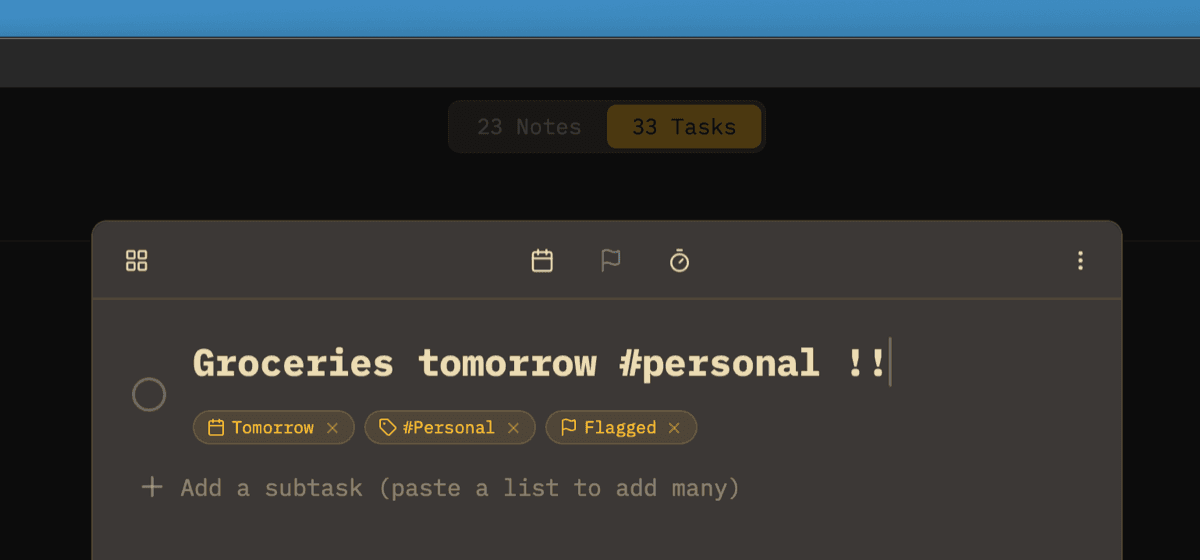
Bear uses simple markdown checkboxes for tasks. While fine for a grocery list, this falls apart for project management. You can't set due dates, view a daily schedule, or use a focus timer in Bear.
Owldo seamlessly blends a distraction-free markdown editor with a robust, date-driven task management system. You get the beauty of a minimalist writing app combined with the power of a dedicated task manager.
Where Bear Wins
Bear's hashtag-based organization system is incredibly powerful. Because tags can be nested (e.g., `#work/projectA`), you can build incredibly complex hierarchies very quickly just by typing.
Owldo uses a flatter, simpler Space-based organization model. If you rely heavily on nested tagging to navigate thousands of short notes, Bear's system is superior.
What you get with Owldo

Frequently asked questions
Does Owldo look as good as Bear?
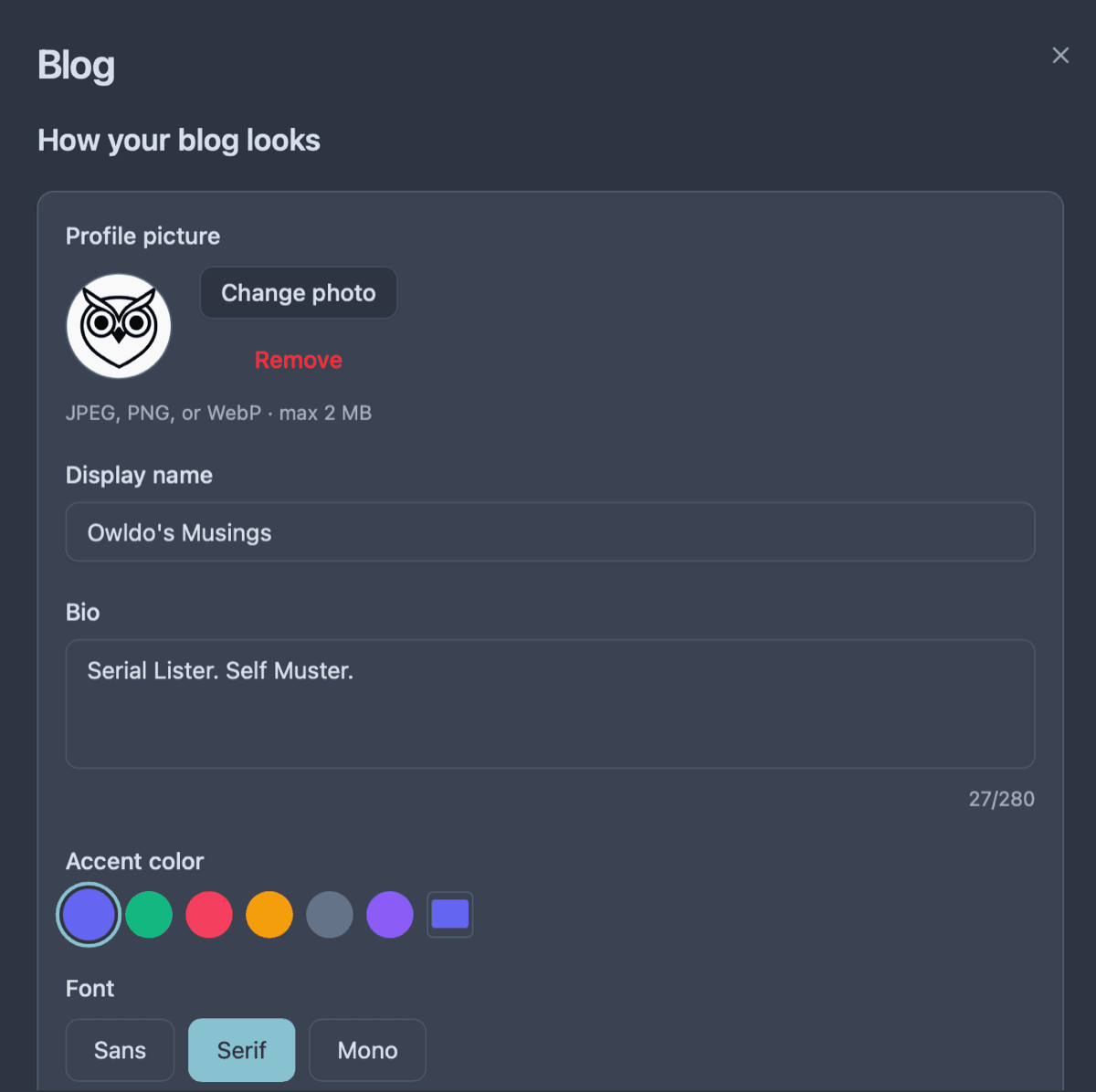
Aesthetics are subjective, but Owldo prioritizes a similarly stark, high-contrast, beautiful typography-first design.
Can I export Bear notes to Owldo?
Yes. Bear exports to standard Markdown, which can be easily pasted directly into Owldo.
More comparisons