TickTick alternative
Feature bloat is the enemy of focus.
TickTick is a Swiss Army Knife. It has a habit tracker, a calendar, a Pomodoro timer, white noise generation, and complex tagging. But Swiss Army Knives are notoriously terrible at actually cutting things.
Owldo is a chef's knife. We stripped away the white noise generators and complex gamification to create a focused, minimalist tool that does tasks, notes, and timers exceptionally well.
Our Philosophy
“Friction is the enemy of momentum.”
If you have to open a web app, wait for a loading spinner, and assign five metadata tags just to write down a single sentence, you will simply stop writing things down. We utilize a local-first SQLite architecture to guarantee zero-latency capture.
What you get
- A stark, calm interface that reduces visual noise
- No habit trackers, no gamified scores, no white noise
- First-class Markdown notes alongside tasks
- Local-first architecture for instant load times
The Cost of Feature Creep
When an app tries to do everything, the interface inevitably becomes a labyrinth of menus, toggles, and sidebars. TickTick is incredibly powerful, but that power comes at the cost of cognitive load. Every time you open the app, you are bombarded with options.
Owldo believes in the power of constraints. By intentionally omitting features like habit tracking and complex gamification, we keep the interface stark and calm. When you open Owldo, there is only one thing to do: the work.
A Better Notes Experience
TickTick treats task descriptions as an afterthought. If you try to paste a code snippet or format a long project brief inside a TickTick task, the experience is clunky and constrained.
Owldo treats notes as a primary citizen. We provide a full, syntax-highlighted Markdown editor right next to your tasks, ensuring you have all the power of a dedicated writing app without leaving your productivity system.
Integrated, Not Tack-On
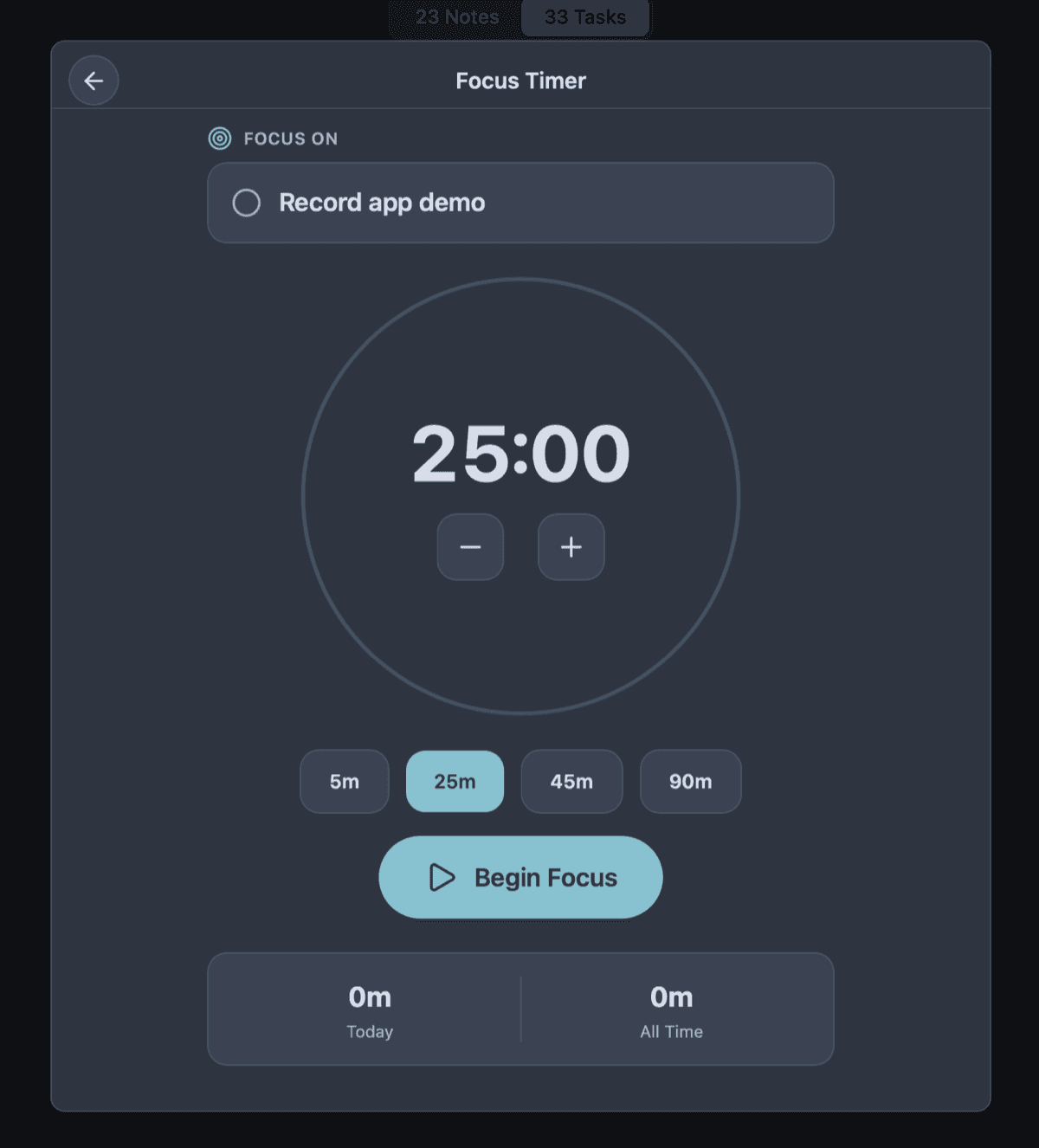
Both apps have a Pomodoro timer. But in heavily bloated apps, features often feel like they were tacked on to satisfy a feature request. Owldo's timer is deeply, natively integrated into the daily workflow. It isn't a separate module you navigate to; it is an action you take directly on a task.
See Owldo in action

Frequently asked questions
Does Owldo have a habit tracker?
No. Owldo is focused strictly on project tasks, notes, and daily planning.
Can I use Owldo offline?
Yes. Owldo is a local-first application, meaning everything from tasks to notes to timers works flawlessly without an internet connection.
Related pages