Apple Notes alternative
The speed of Apple Notes, without the ecosystem lock-in.
Apple Notes is fantastic because it's fast, native, and uncluttered. It feels like an extension of the operating system. But the moment you buy a Windows PC or an Android phone, that magic disappears into a clunky web app.
Owldo is built to recreate that native, zero-latency feeling across every platform. It's a true local-first alternative for people who want speed, but refuse to be trapped in a single ecosystem.
Our Philosophy
“Friction is the enemy of momentum.”
If you have to open a web app, wait for a loading spinner, and assign five metadata tags just to write down a single sentence, you will simply stop writing things down. We utilize a local-first SQLite architecture to guarantee zero-latency capture.

What you get
- Native desktop apps for Mac and Windows
- Local-first architecture for zero-latency capture
- Markdown support instead of clunky rich text
- Seamless, background sync across all your devices
Breaking the Walled Garden
Apple's strategy with their native apps is brilliant: make them incredibly fast, deeply integrated, and impossible to leave. If you rely on Apple Notes for your daily thoughts, the friction of moving to a Windows PC for work, or buying an Android phone, is immense. Apple's web version of Notes is intentionally slow and limited, designed to remind you that you are a second-class citizen outside the walled garden.
Owldo breaks this lock-in. We built native, lightning-fast desktop applications for both Mac and Windows, and mobile apps that feel right at home on any OS. You get the same instant-open, zero-latency capture experience everywhere, regardless of the hardware you choose to buy.
Markdown over Proprietary Rich Text
Apple Notes uses a proprietary rich text format. While it looks nice, it is hostile to portability. Try exporting a folder of Apple Notes with complex formatting into another app; you often get a messy mix of PDFs, raw text, or broken formatting.
Owldo uses standard Markdown. It renders beautifully on the fly, so you still get the clean, readable aesthetic, but the underlying data is just text. You can format with your keyboard without reaching for a mouse, and if you ever decide to leave Owldo, your notes are universally readable by thousands of other applications.
A Single Workspace for Notes and Tasks
Apple provides Notes for text, and Reminders for tasks. This artificial separation forces you to constantly bounce between two apps. If you write down a project plan in Apple Notes, you have to manually copy the action items over to Reminders.
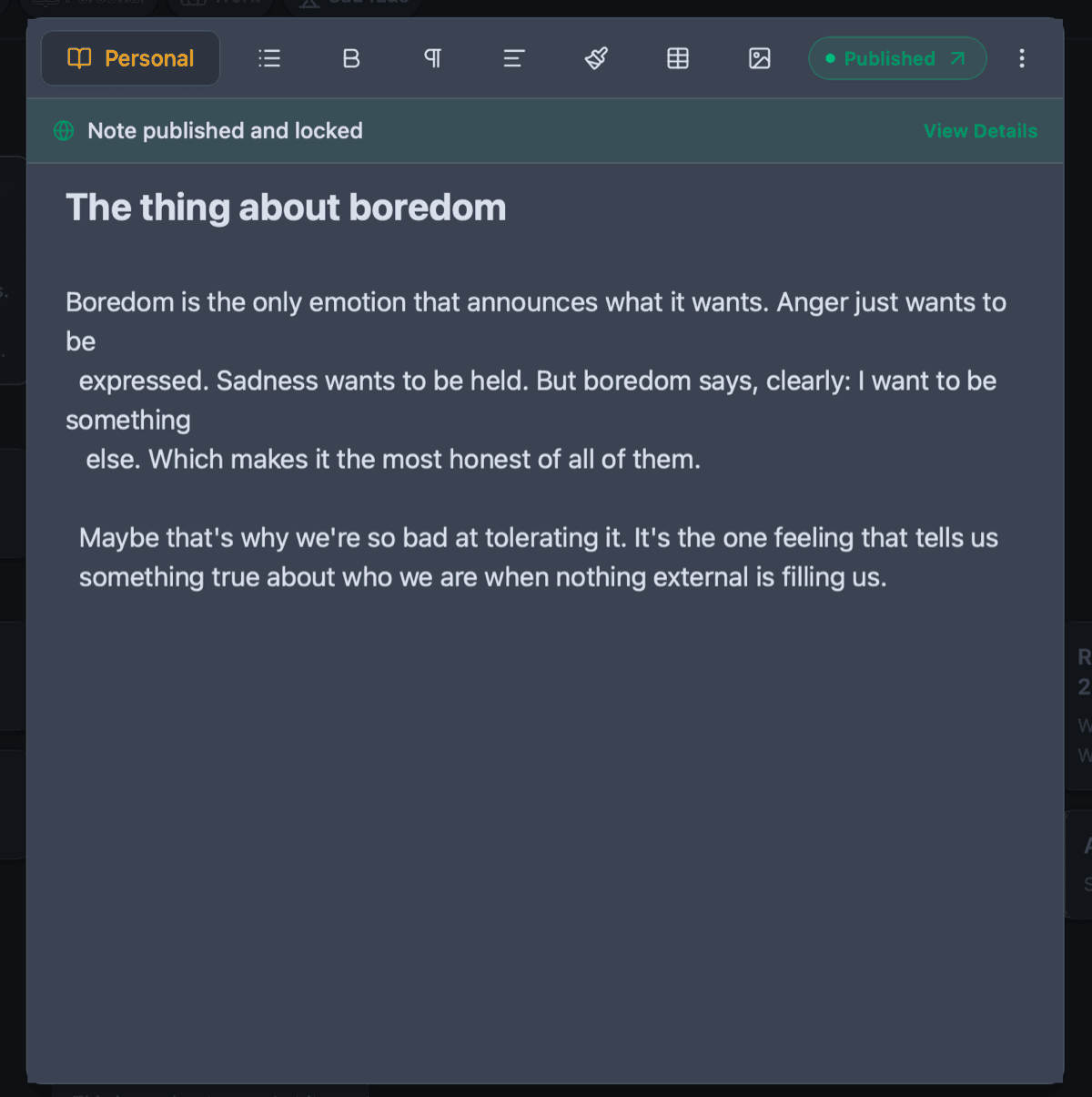
Owldo fundamentally believes notes and tasks are the same thing: units of work. In Owldo, you create a Space. In that Space, you can write a long-form Markdown document, and directly beneath it, you can create a robust task list with due dates and Pomodoro timers. The context and the action items live together.
See Owldo in action

Frequently asked questions
Is there a web version of Owldo?
Owldo is primarily a local-first application with native desktop and mobile apps. We prioritize native performance over web wrappers.
Does Owldo sync as fast as iCloud?
Yes. For synced users, Owldo uses a robust background sync engine that keeps your devices updated near-instantly.
Related pages