Comparison
Owldo vs Things 3.
Things 3 is the gold standard for task management UI. It is gorgeous, fast, and native. But the moment you need to work on a Windows PC or an Android phone, you are completely out of luck.
Owldo was built for people who appreciate the stark, minimalist beauty of Things, but require a tool that crosses ecosystem boundaries seamlessly.
Our Philosophy
“We build sharp knives, not Swiss army knives.”
Most productivity apps try to be everything for everyone, resulting in bloated, slow software. Owldo is deliberately opinionated. We built a fast, local-first tool strictly for people who think in prose and execute in deadlines.

| Feature | Owldo | Things 3 |
|---|---|---|
| Platforms | Mac, Windows, iOS, Android | Mac, iOS only |
| Note-taking | Full Markdown editor | Basic text notes |
| Pomodoro timer | Built in | No |
| Pricing model | Subscription ($3/mo) | Expensive one-time purchase per device |
| Local-first speed | Yes | Yes |
Escaping the Apple Ecosystem
There is a specific kind of frustration that comes with using a beautiful Mac-only app, and then having to switch to a clunky corporate Windows machine for your day job. Your productivity system breaks down because your tools can't follow you.
Owldo solves this by providing a unified, premium experience across all platforms. We didn't build a lazy web wrapper; we built highly optimized, visually stunning desktop applications for both Mac and Windows, ensuring your workflow remains uninterrupted regardless of your hardware.
Adding Context to Tasks
Things 3 is a pure task manager. It allows for small text notes attached to tasks, but it is not designed for long-form writing or project documentation. This forces you to use a second app for your actual notes.
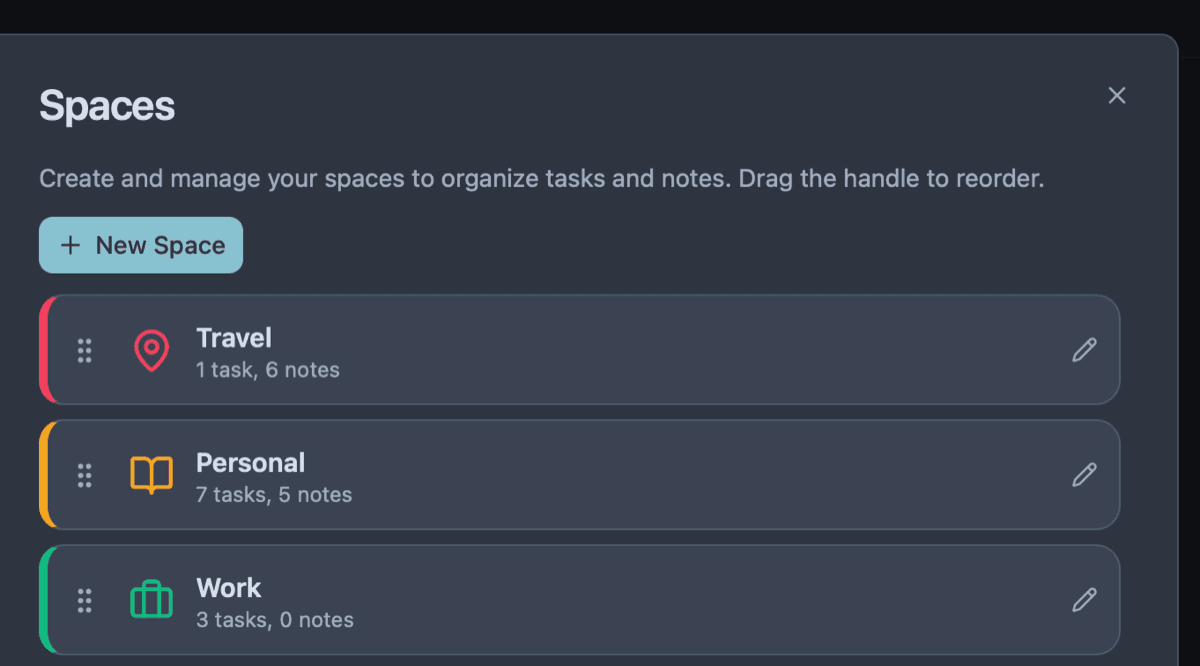
Owldo bridges this gap. It provides the clean, task-oriented workflow you expect, but introduces first-class Markdown notes within the same interface. You get the beauty of a minimalist task manager combined with the power of a dedicated writing app.
Where Things 3 Wins
Things 3 is a masterclass in native iOS design. Its animations, gestures, and UI polish are virtually unmatched by any productivity app on the market. Furthermore, its one-time purchase model (despite being expensive to buy all three apps) is highly appealing to users who hate subscriptions.
If you are fully entrenched in the Apple ecosystem and only need task management, Things 3 is incredible. If you need Windows support or Markdown notes, Owldo is the clear choice.
What you get with Owldo


Frequently asked questions
Is Owldo a one-time purchase like Things?
No. Owldo is completely free for local, single-device use. Cross-platform sync and publishing are part of an inexpensive $3/month subscription.
Does Owldo have a "Today" view like Things?
Yes, Owldo has a robust Daily Planner view that functions very similarly to the Today view in Things.
More comparisons