Comparison
Owldo vs TickTick.
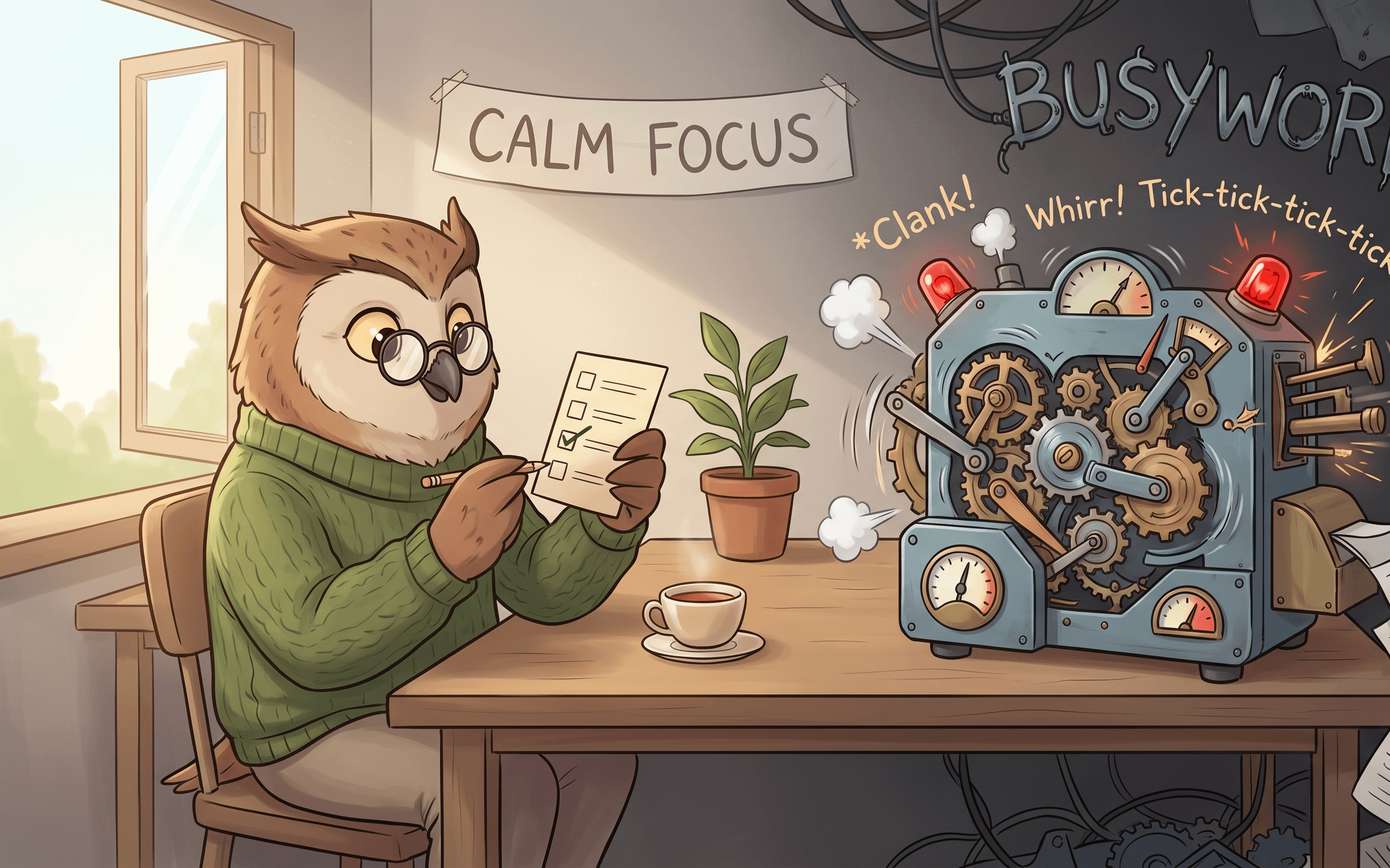
TickTick is a Swiss Army Knife. It has a habit tracker, a calendar, a Pomodoro timer, white noise generation, and complex tagging. But Swiss Army Knives are notoriously terrible at actually doing one job well.
Owldo is a sharp chef's knife. We stripped away the white noise generators and complex gamification to create a focused, minimalist tool that does tasks and notes exceptionally well.
Our Philosophy
“Organize less. Do more.”
If your organization system takes more effort to maintain than the actual work, your system is broken. Nested folder hierarchies are a relic of the 90s desktop file system. We use flat, lightweight Spaces so you can organize without the bureaucratic ceremony.
| Feature | Owldo | TickTick |
|---|---|---|
| Interface philosophy | Stark, Minimalist | Feature-heavy, Dense |
| Note-taking | Full Markdown editor | Basic text descriptions |
| Pomodoro timer | Built in natively | Built in (with white noise) |
| Habit tracker | No | Yes |
| Local-first speed | Yes (Instant) | No (Cloud-dependent) |
| Pricing | Free local / $3/mo sync | Free / $35.99/yr |
The Cost of Feature Creep
When an app tries to do everything, the interface inevitably becomes a labyrinth of menus, toggles, and sidebars. TickTick is incredibly powerful, but that power comes at the cost of cognitive load. Every time you open the app, you are bombarded with options.
Owldo believes in the power of constraints. By intentionally omitting features like habit tracking and complex gamification, we keep the interface stark and calm. When you open Owldo, there is only one thing to do: the work.
Notes, Not Just Descriptions
TickTick treats task descriptions as an afterthought. If you try to paste a code snippet or format a long project brief inside a TickTick task, the experience is clunky and constrained.
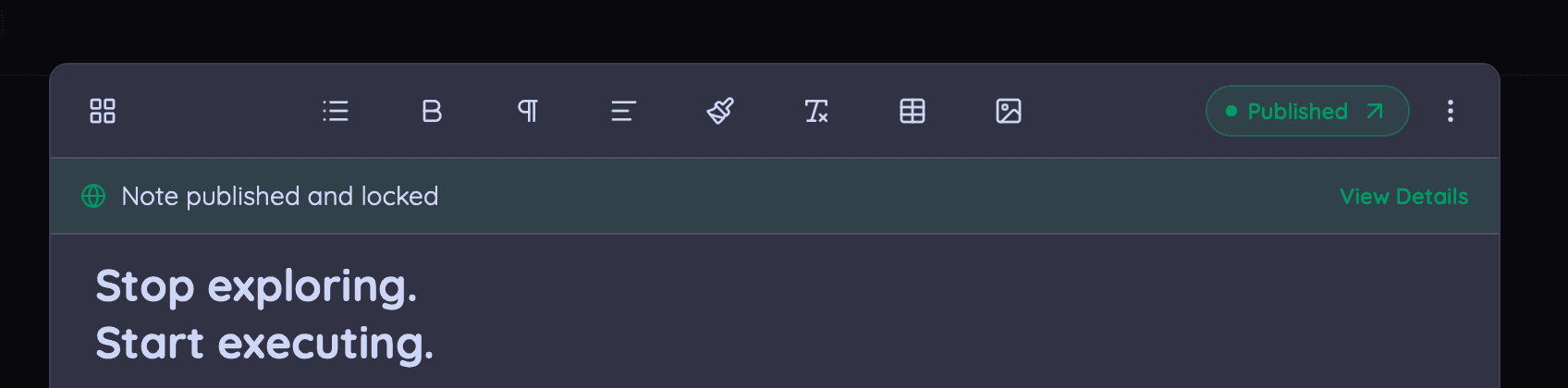
Owldo treats notes as a primary citizen. We provide a full, syntax-highlighted Markdown editor right next to your tasks, ensuring you have all the power of a dedicated writing app without leaving your productivity system.
Where TickTick Wins
If you literally want one app to run every single aspect of your life—tracking how many glasses of water you drink, listening to focus sounds, managing grocery lists, and viewing your entire week in a dense calendar—TickTick does it all.
But if you want a quiet, highly performant room for deep work, TickTick is too loud. Owldo provides the silence you need to focus.
What you get with Owldo

Frequently asked questions
Does Owldo have a habit tracker like TickTick?
No. Owldo is focused strictly on project tasks, notes, and daily planning.
Is Owldo faster than TickTick?
Yes. Owldo’s local-first architecture means it doesn't wait for cloud servers to render your lists.
More comparisons